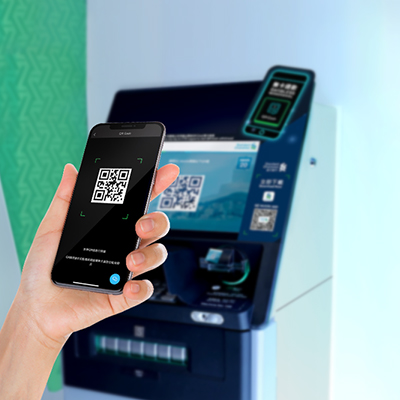
How to register for SC Mobile App?
Forgot your username or password? You can also reset your username and password by re-registration.


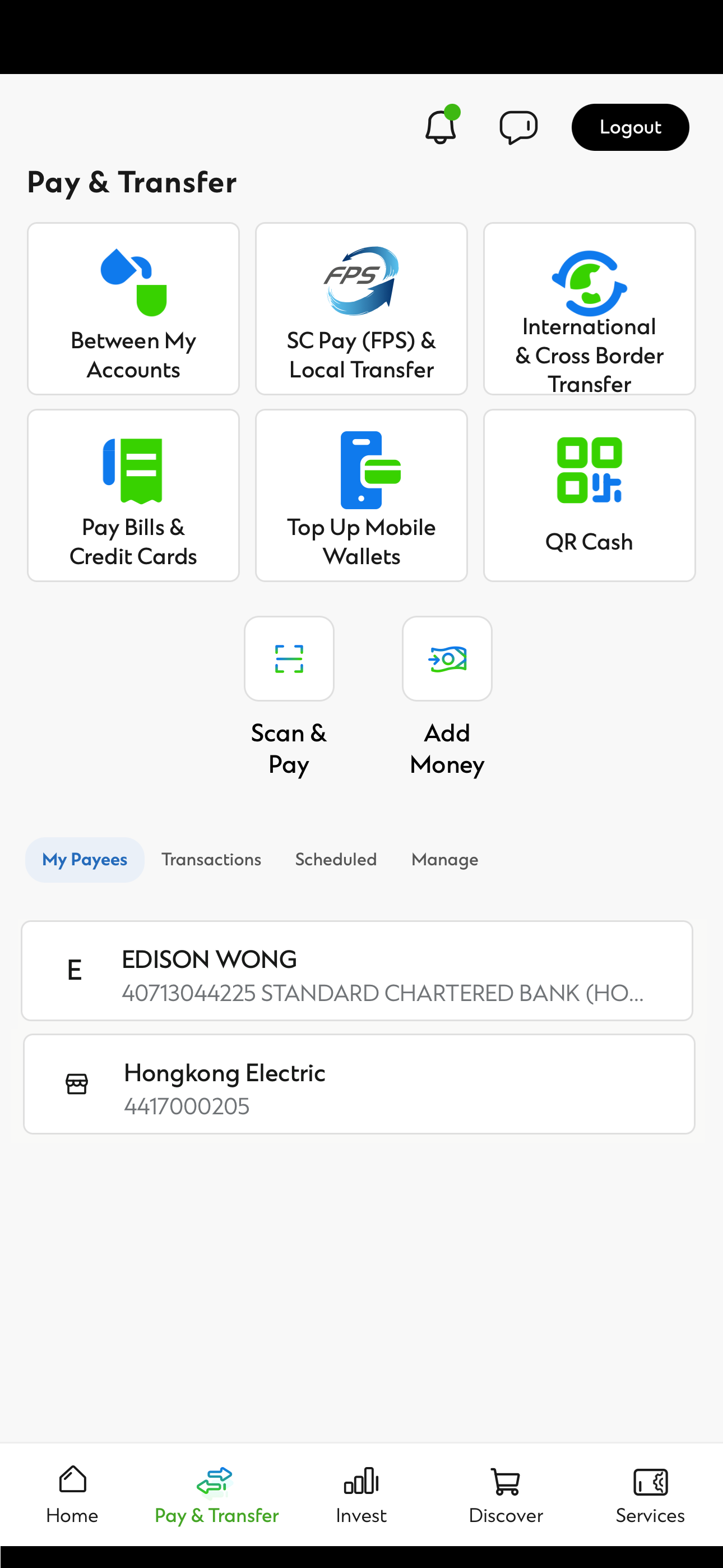
Pay bills and credit cards, exchange currencies while you are on the go. You can also make fund transfer among your own accounts and other local bank accounts free of charge.1

Login securely and conveniently via face ID/touch ID.

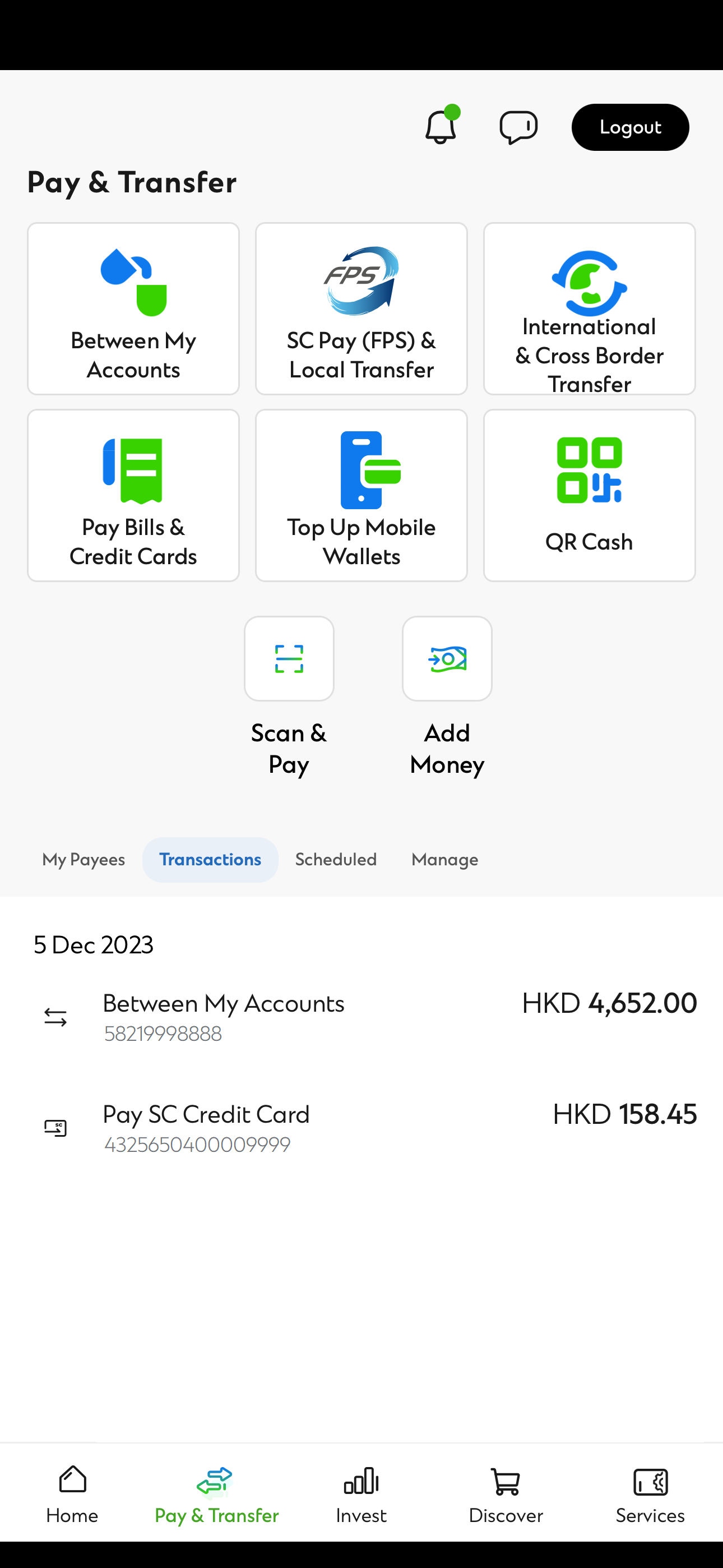
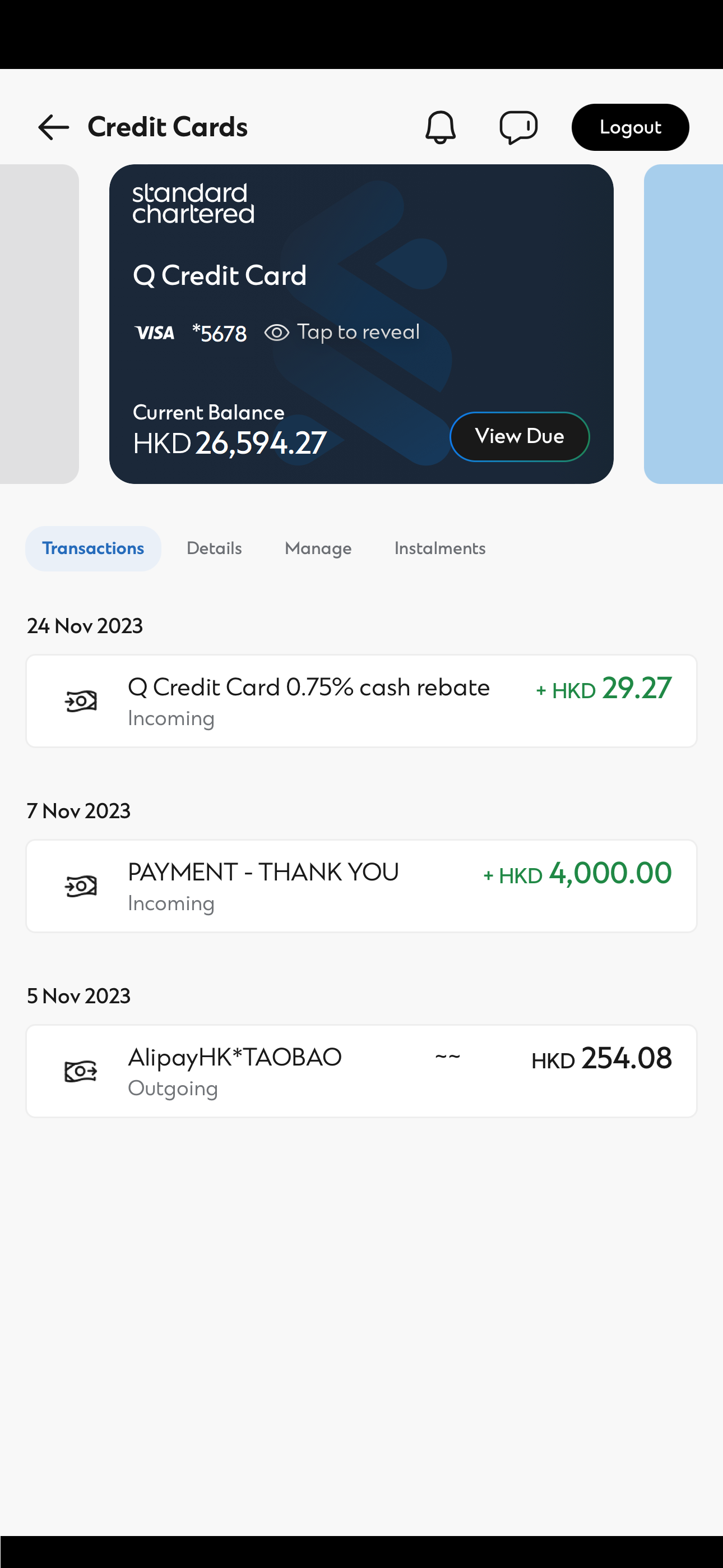
View all your balances and transaction history on a single platform wherever and whenever you are

Receive and store banking alerts in SC Mobile App to keep up to speed with your finances anytime and anywhere.
Forgot your username or password? You can also reset your username and password by re-registration.
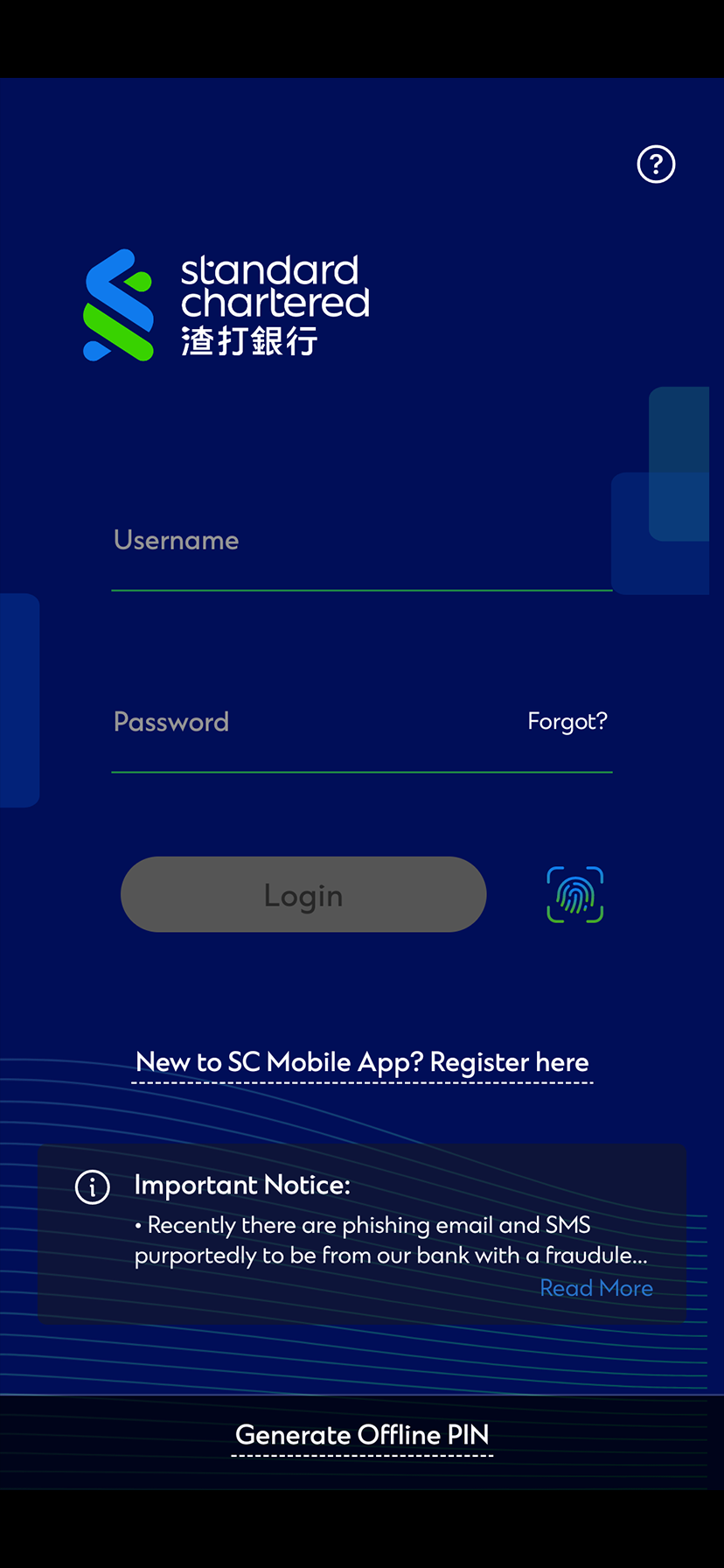
Tap ‘Login’ on SC Mobile welcome screen.

Tap "New to SC Mobile App?Register here."
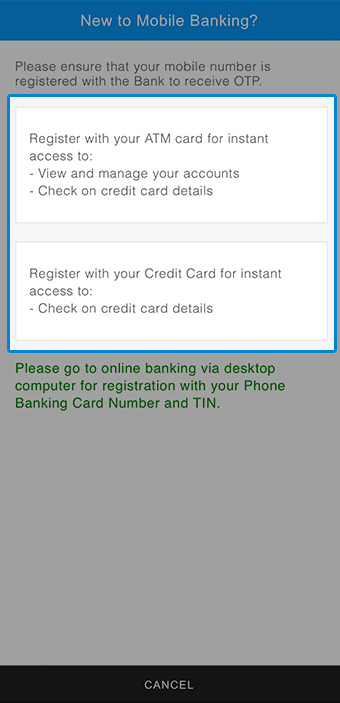
Register with you ATM Card or Credit Card.
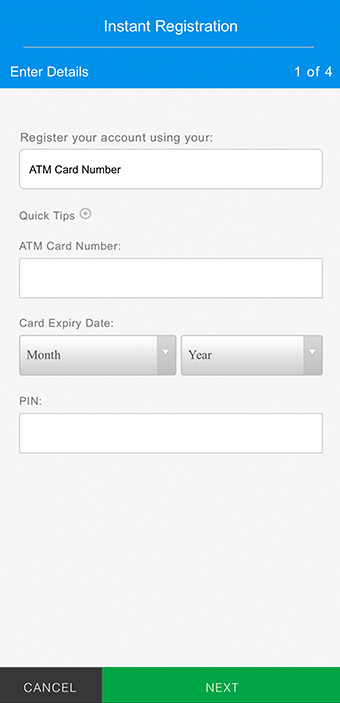
Personal Banking Customer
Register with ATM Card
Enter you ATM Card Number, Card Expiry Date and Personal Identification Number (PIN).
Credit Card Customer
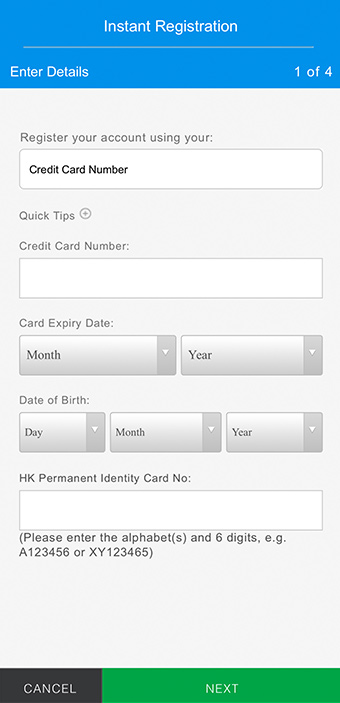
Register with Credit Card
Enter your Credit Card Number, Card Expiry Date, Date of Birth and HK Identity Card Number.
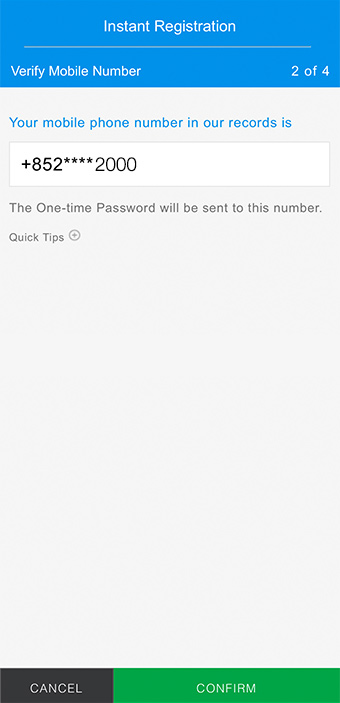
Confirm your registered mobile number in our bank record and you will receive One-Time-Password (OTP) via SMS.
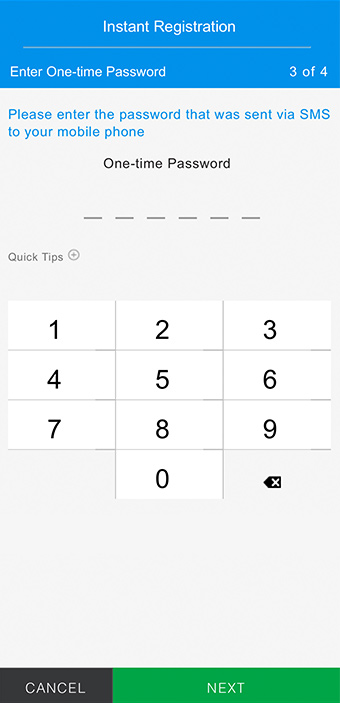
Enter your OTP.
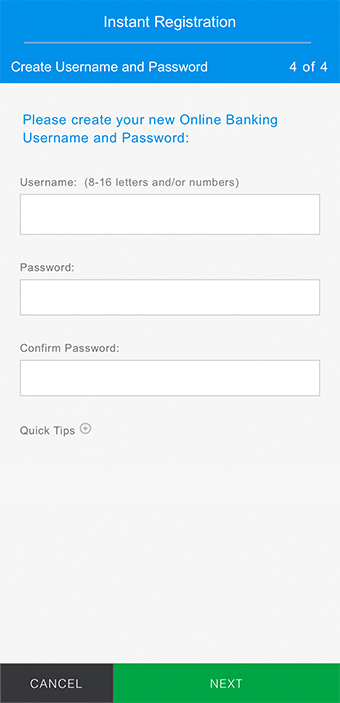
Create your username and password.
Note: Currently supported devices/mobile operating systems: Apple iOS 14 or above (on iPhone 6s or later model), Android™ 10.0 or above.
Check balances, transfers and transactions on SC Mobile App
Tap "Login" to login to SC Mobile App
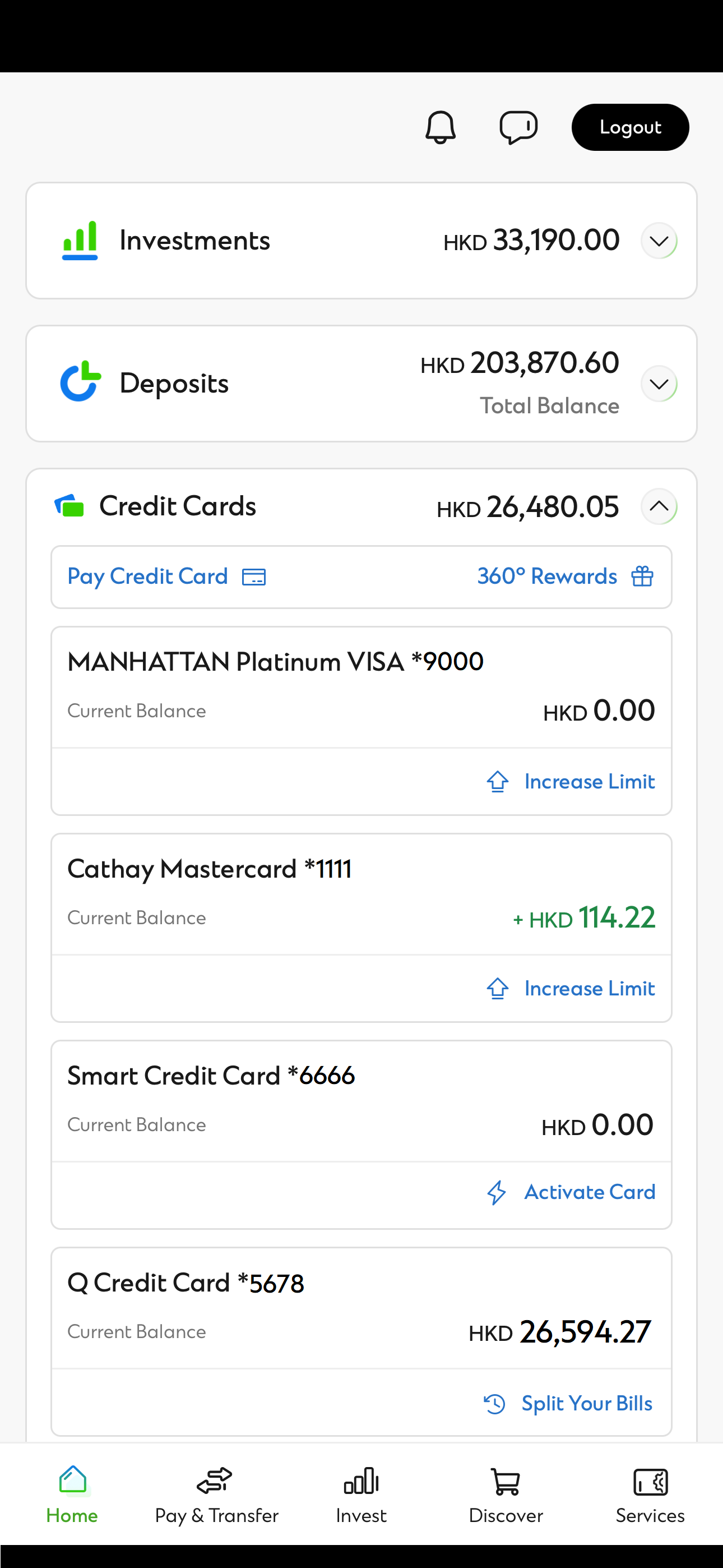
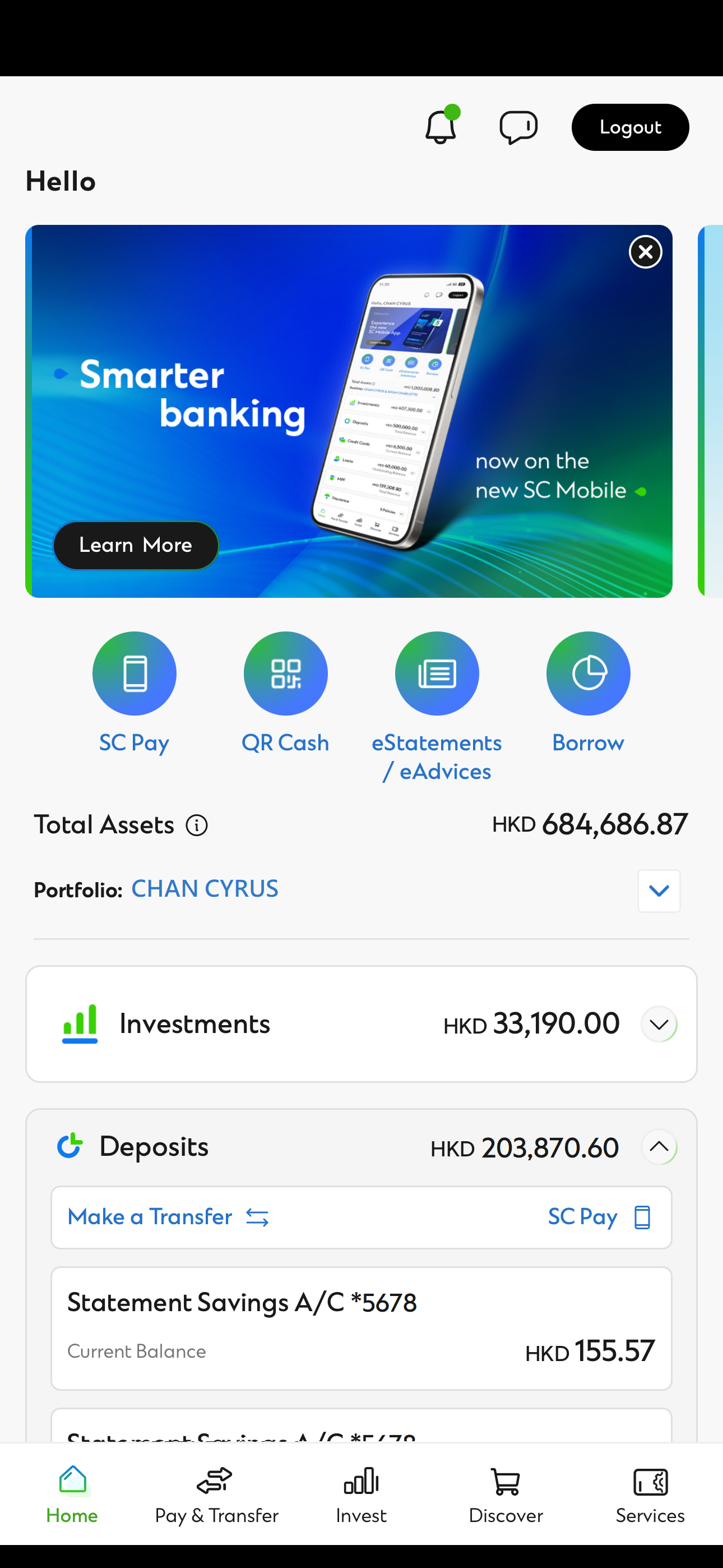
From Home tab, you can review your balance under each asset class.
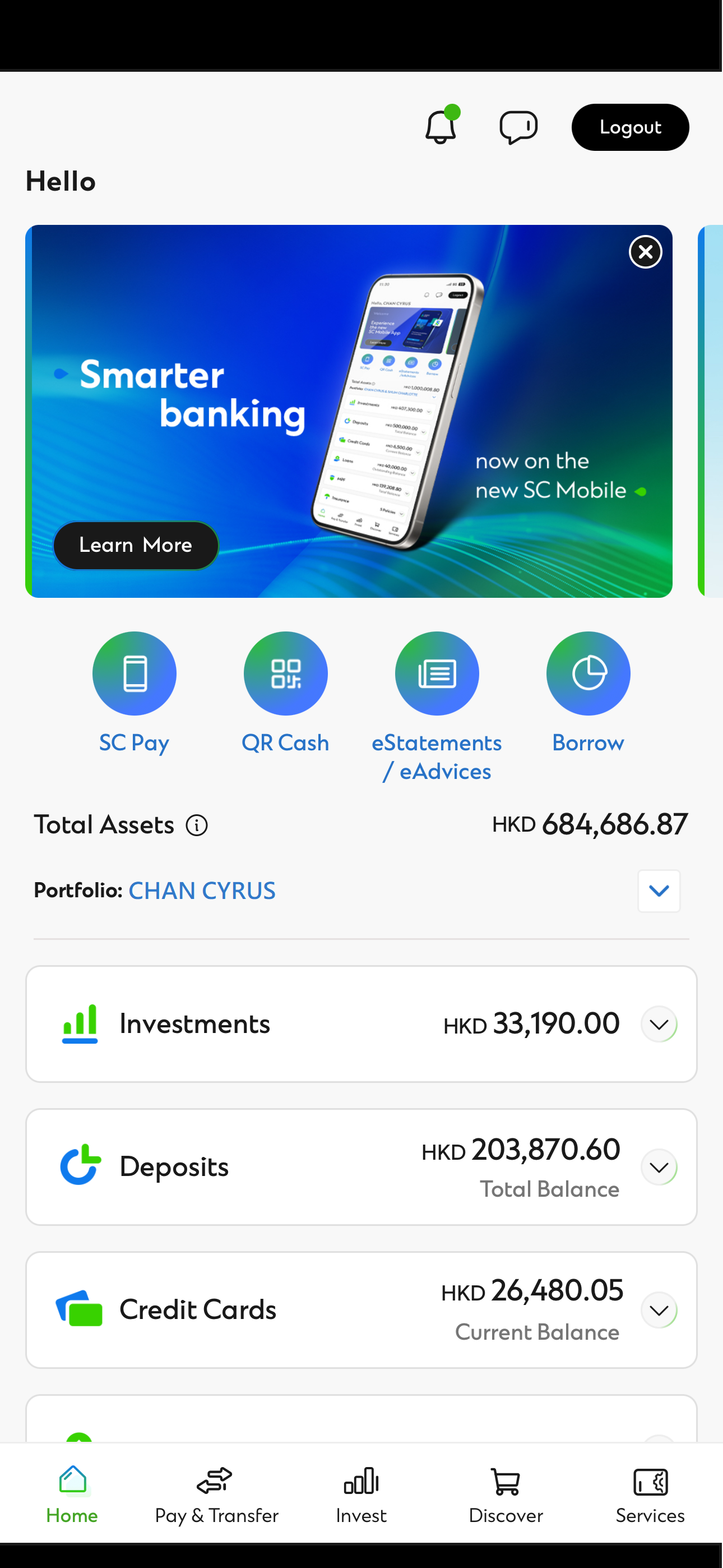
You can expand each asset class to view the accounts under that class.
Remarks
● The HK equivalent balances are for reference only. The actual rate will be confirmed upon your request for transaction.
If you wish to view the instruction for Online Banking, please click here.