-

SC Private Bank App
Private Banking at your fingertips
A digital banking experience designed to meet your needs – secure, seamless and always within reach.

Your wealth at a glance
Enjoy a seamless digital experience with the SC Private Bank app that brings your investment portfolio, market insights and personalised support together, all in one place.
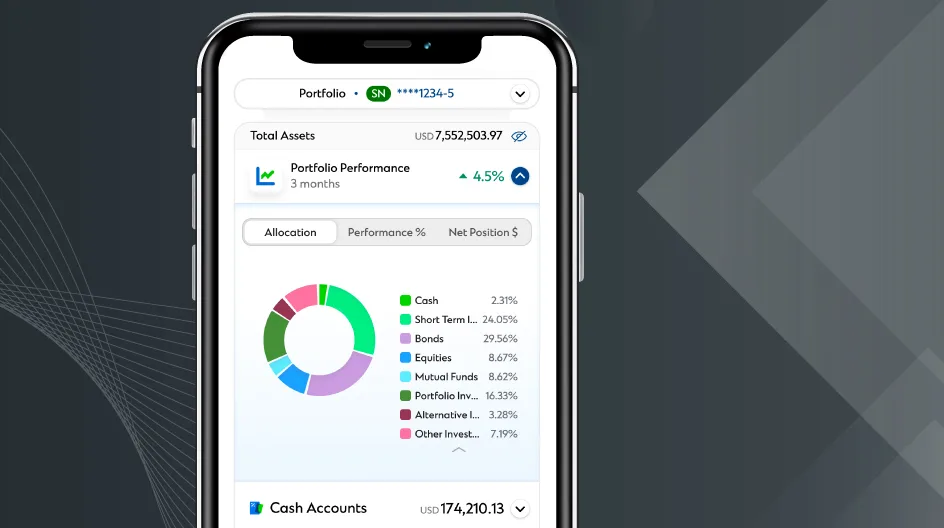
Track your portfolio at a glance
Access a consolidated view of your global investment portfolio, performance insights and financial documents.
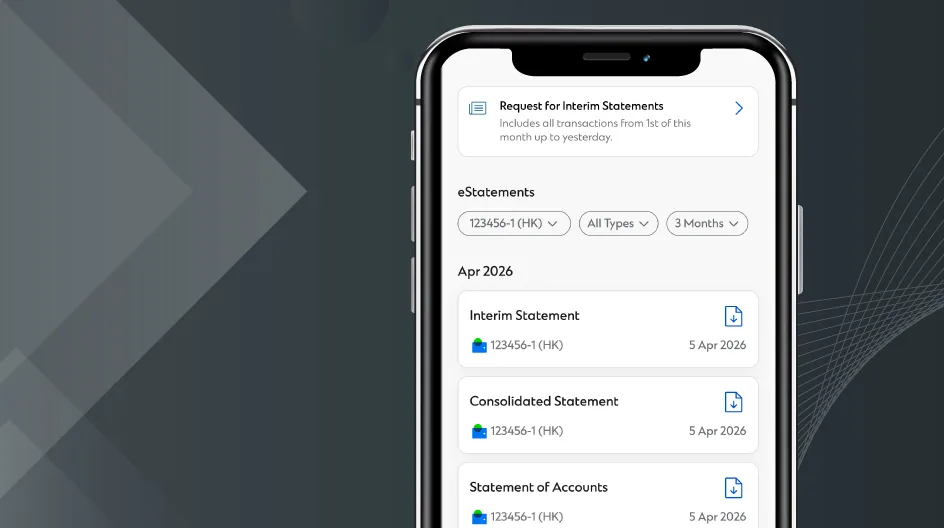
Access your statements on the go
Conveniently access your eStatements, eAdvices and transaction inflows and outflows across your portfolios, with ease, all in one place.

Stay informed with market insights
Read and subscribe to our CIO publications, including Global Market Outlook, Daily Navigator and House Views.
How to get started
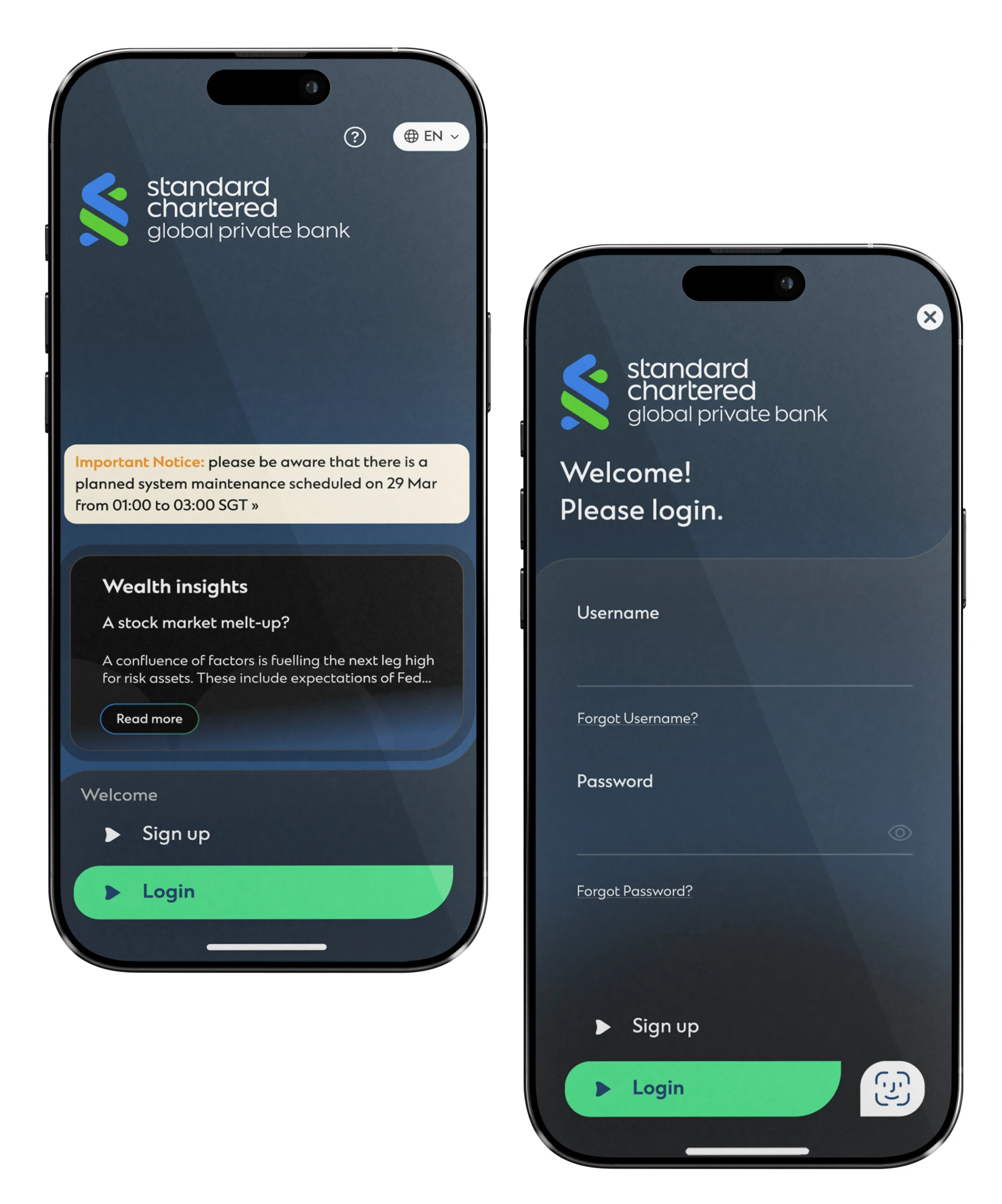
Download the SC Private Bank app from the App Store or Google Play to experience seamless, secure access to your portfolios.



Download instructions for Android device (without Google Play)
- Scan the QR code or download the Android Application Package (APK) via this download link.
- Open the downloaded APK file and proceed with the installation. You may encounter security warnings or prompts, as the application is being installed outside of the official app stores.
- Follow the on-screen instructions and acknowledge any applicable security prompts to complete the installation.
FAQ
Still have questions?
Refer to our user guides for step-by-step guidance, or simply contact us for assistance.
Inquire about Private Banking
Submit an inquiry and we’ll contact you to discuss your needs.
Access key documents
Explore a library of factsheets and centre-specifc materials for your account.