

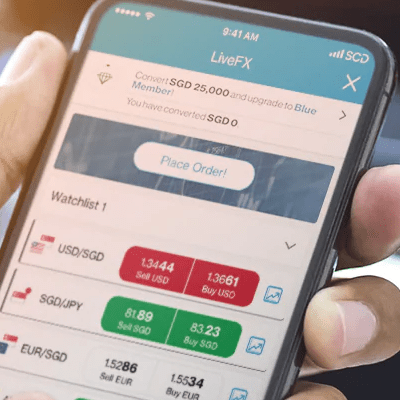


You can enable up to 13 foreign currencies on your personal Bonus$aver/Wealth $aver account. These currencies are: USD, GBP, EUR, HKD, AUD, NZD, CHF, JPY, CAD, NOK, SEK, DKK and ZAR.
Multi-Currency Feature
Applicable to Bonus$aver and Wealth $aver Account
Transact in up to
14 Currencies
from your account
Enjoy
Zero
Overseas transaction fees
Convert at
Competitive FX rates
With LiveFX and get rewarded
Benefits of Multi-currency Feature
Limited time Promotion on your USD Deposits:
Earn 3.00% p.a. on your first USD500,000 USD fresh funds deposits.
- Top up minimum USD100K fresh funds by 30 Jun’26
- Maintain the fresh funds top up in your account until 31 Aug’26
- Earn 3.00% p.a. on your incremental fresh funds from Jun’26 to Aug’26

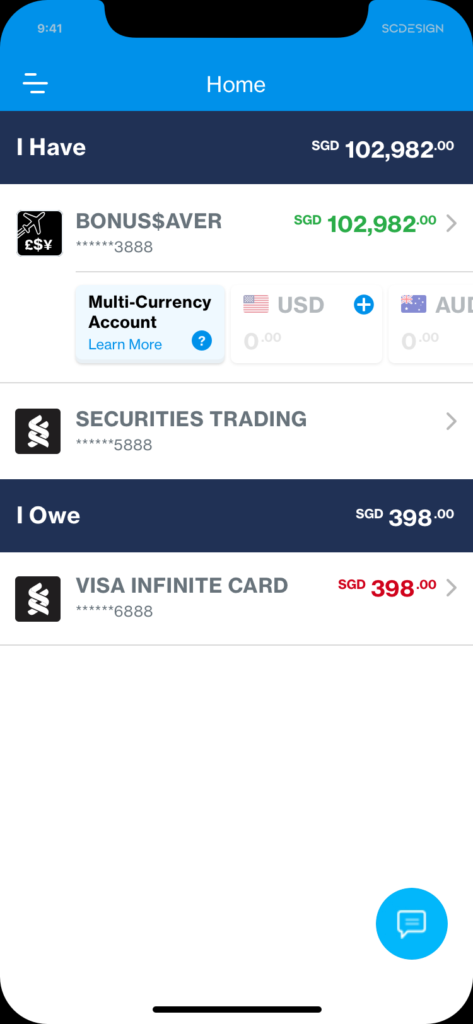
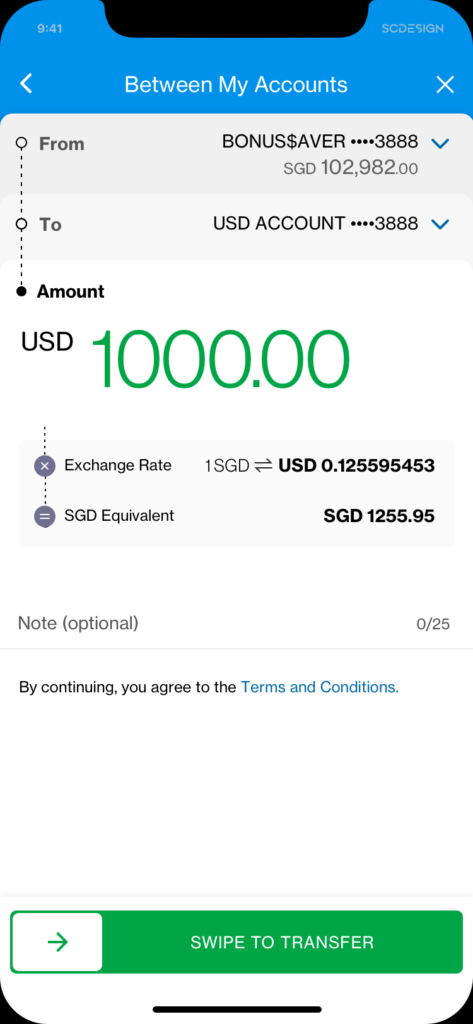
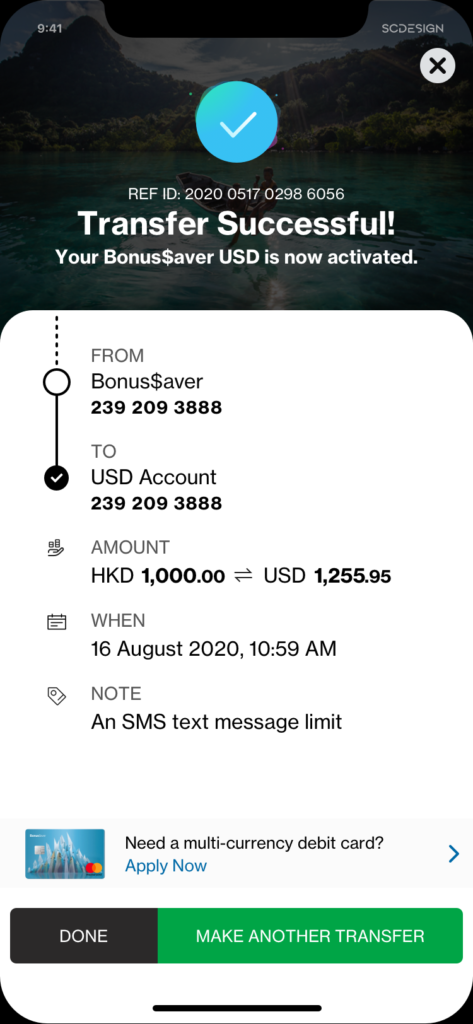
For existing Bonus$aver/Wealth $aver account holders, enable the Multi-Currency feature in 3 steps:
For existing Bonus$aver/Wealth $aver account holders, enable the Multi-Currency feature in 3 steps:
1
2
3
Why enable Multi-Currency ?
For Online Shoppers
Pay like a local when you checkout your online shopping cart. Make use of your multi-currency enabled debit card to enjoy zero overseas transaction fees*.
For Expatriates
Living away from home but want to be close to home? Send money to your loved ones with no incremental fees.
For Investors
Investing is all about catching the right opportunity. Access funds in 14 currencies with one account and invest with confidence.
For Overseas Students
Transact like a local when you are away from your parents. Spend in foreign currency and enjoy zero overseas transaction fees*.
- Eligibility:
– Account holders of a personal Bonus$aver/Wealth $aver account.
– Registered with SC Mobile to view the option to enable this feature.
– Available for New or Existing personal Bonus$aver/Wealth $aver account holder.
Outward Telegraphic Transfer (OTT)
Note: OTT via SC Mobile/ Online Banking is not available for the following currencies: DKK, SEK and ZAR. Should you wish to perform an OTT for these currencies, please visit our branches or reach out to your relationship manager.
FAQ
If you hold a personal Bonus$aver/Wealth $aver, proceed to enable this feature via SC Online Banking / SC Mobile.
Step 1: Log on to your SC Online Banking / SC Mobile.
Step 2: Under Bonus$aver/Wealth $aver account, click on a currency tile to enable that currency.
Step 3: Transfer funds to the chosen currency and the chosen currency is now enabled for use.
For retail transactions in foreign currency, you will not incur the debit card overseas transaction fee if you:
i) Successfully enable the respective currency on your personal Bonus$aver/Wealth $aver account before using your multi-currency enabled Bonus$aver/Wealth $aver debit card; and
ii) Have sufficient balance in that currency, for your transaction
For overseas cash withdrawal, you will not incur overseas cash withdrawal fee if you:
i) Successfully enable the respective currency on your personal Bonus$aver/Wealth $aver account before using your multi-currency enabled Bonus$aver/Wealth $aver debit card; and
ii) Have sufficient foreign currency balance in your Bonus$aver/Wealth $aver multi-currency account. Note: Fees which may be levied by other banks in Singapore or overseas for accessing their ATM network will continue to apply.
Click here for more FAQs.
- Deposit Account Terms
- Bonus$aver/Wealth $aver USD Multicurrency Account Top Up Promotion Terms and Conditions
- You are fully responsible for your investment decision, including whether the Live FX service is suitable for you. The products/services involved are not principal-protected and you may lose all or part of your original investment amount..