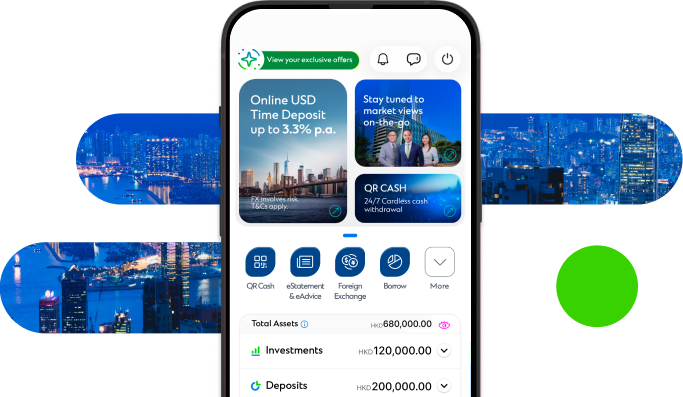
 Straight2Bank
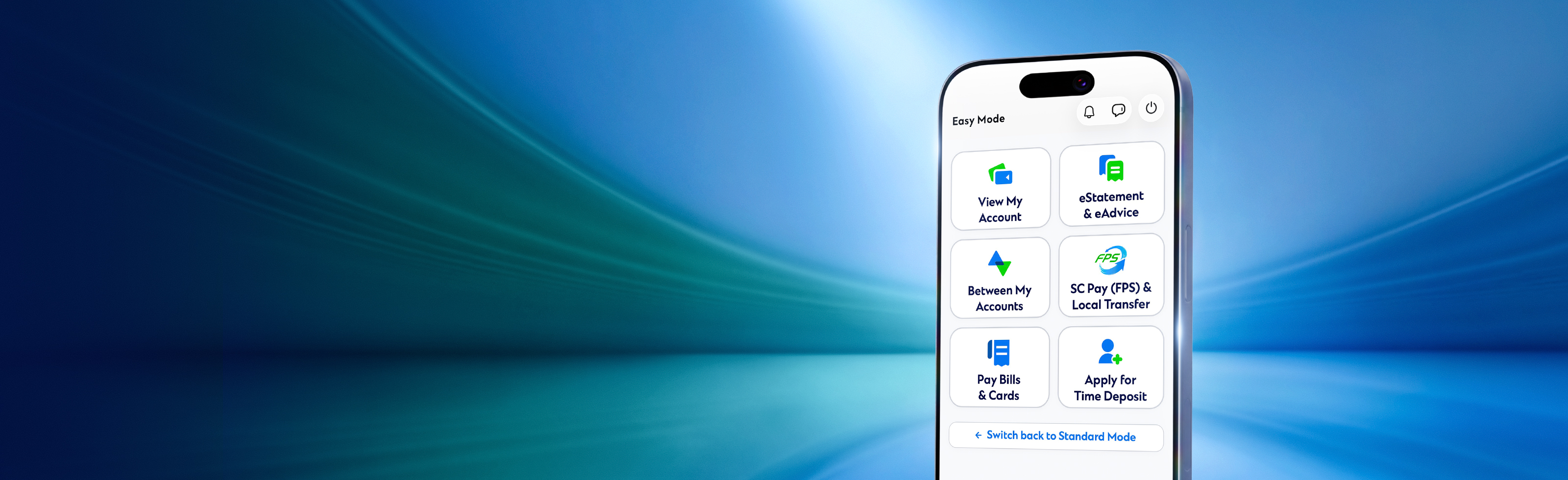
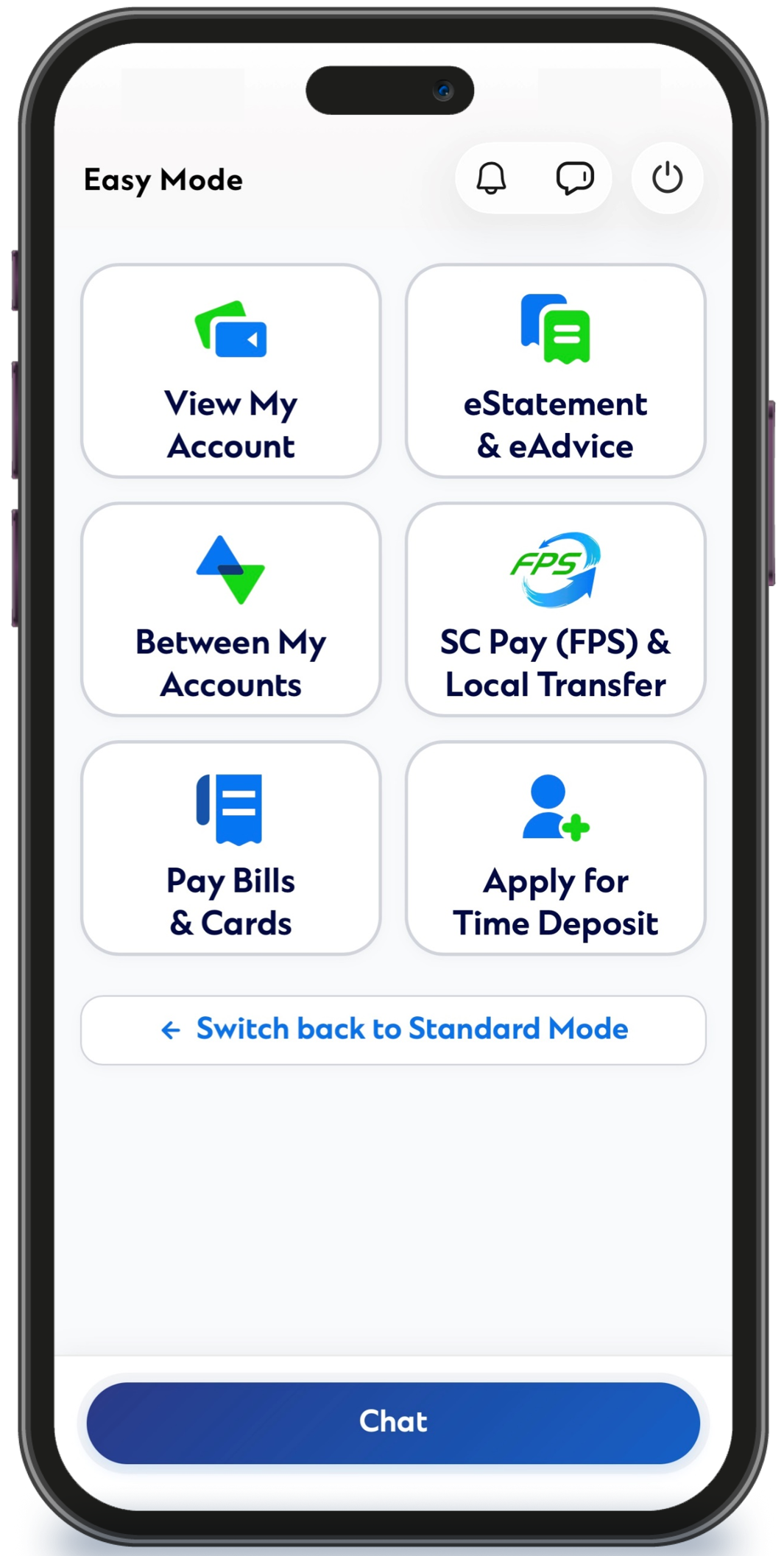
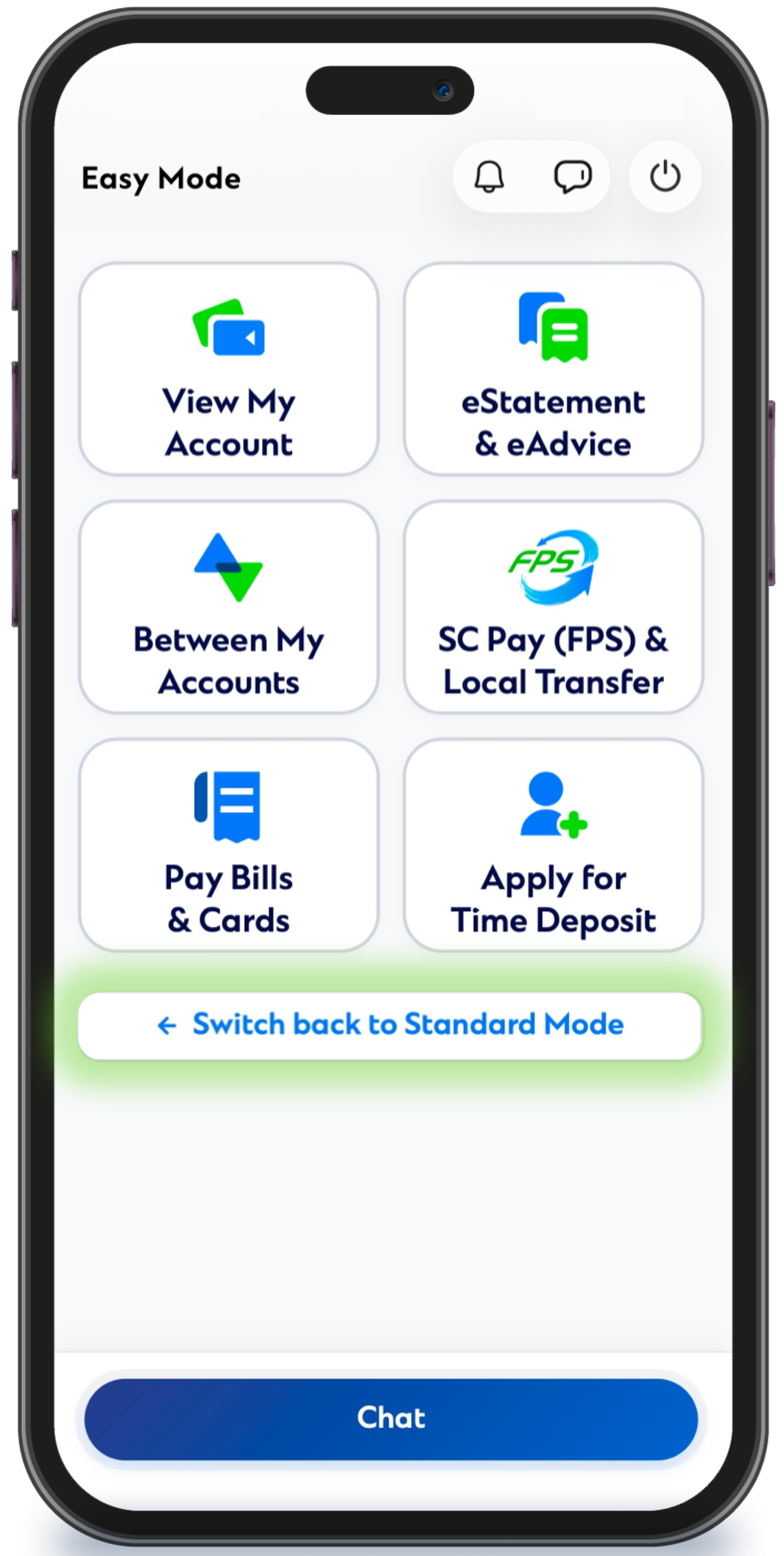
Everyday banking services at a glance
1. View My Account
2. eStatement & eAdvice
3. Own Account Transfer
4. SC PAY (FPS) & Local Transfer
5. Pay Bills & Cards
6. Apply for Time Deposit
7. Notifications, Chat and Support
To enjoy the full range of SC Mobile features and services, please refer to the user guide below to switch to Standard Mode.
To enjoy the full range of SC Mobile features and services, please refer to the user guide below to switch to Standard Mode.
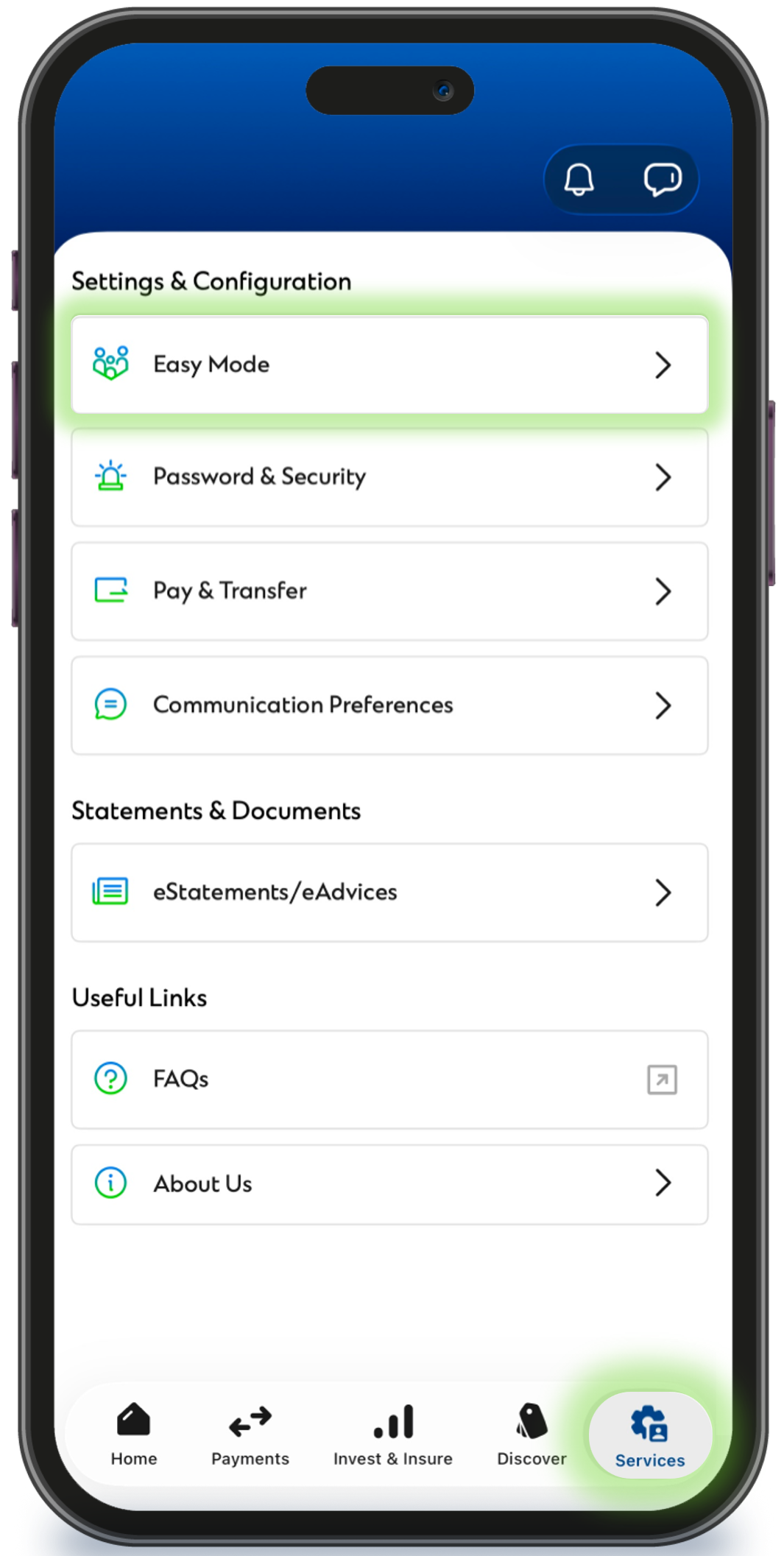
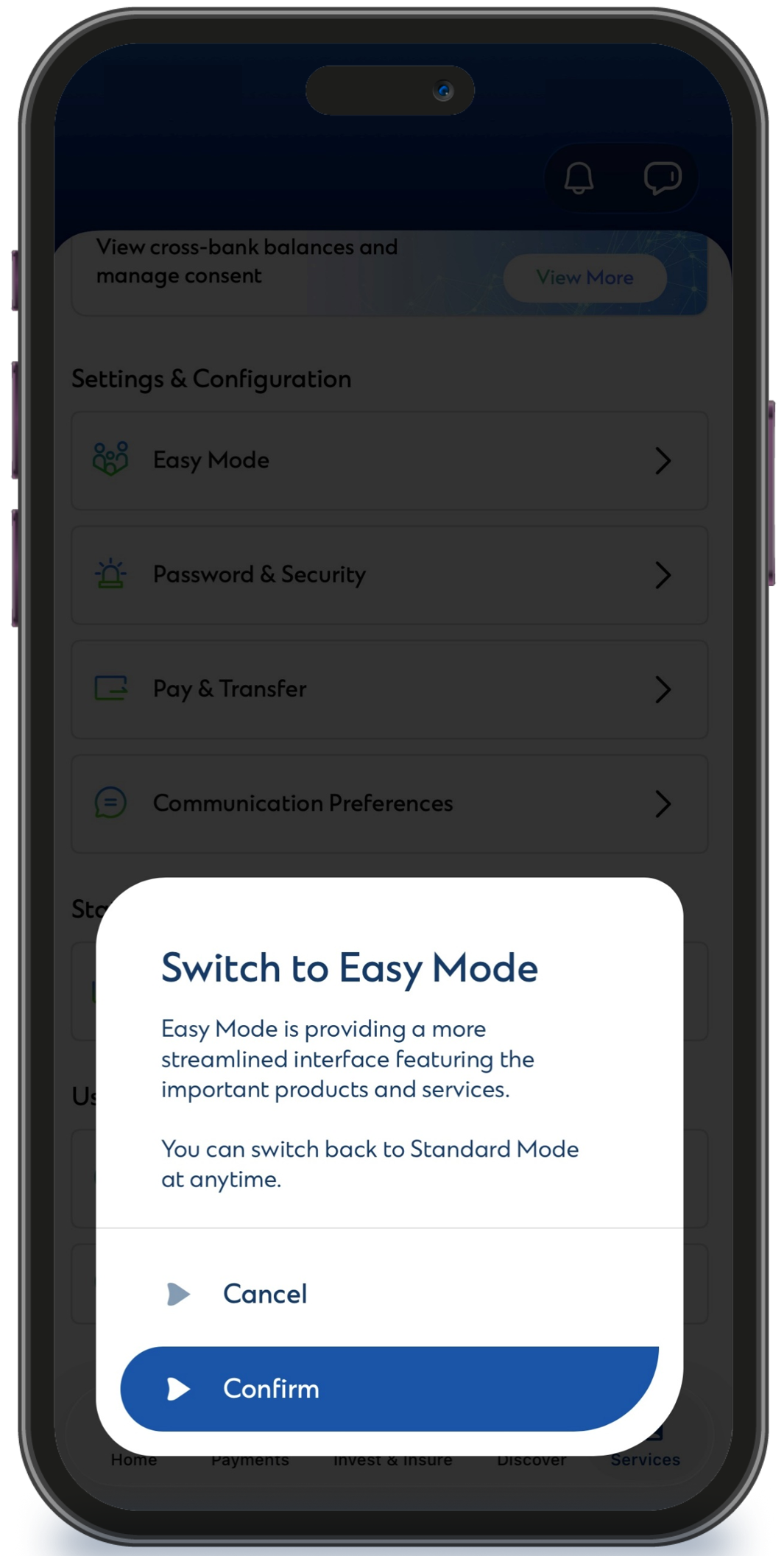
Enable Easy Mode in 3 Easy Steps | ||
1. On the Services page, go to “Settings and Configurations” and select “Easy Mode”. | 2. Tap “Confirm”. | 3. You have successfully switched to Easy Mode. |
|
|
|
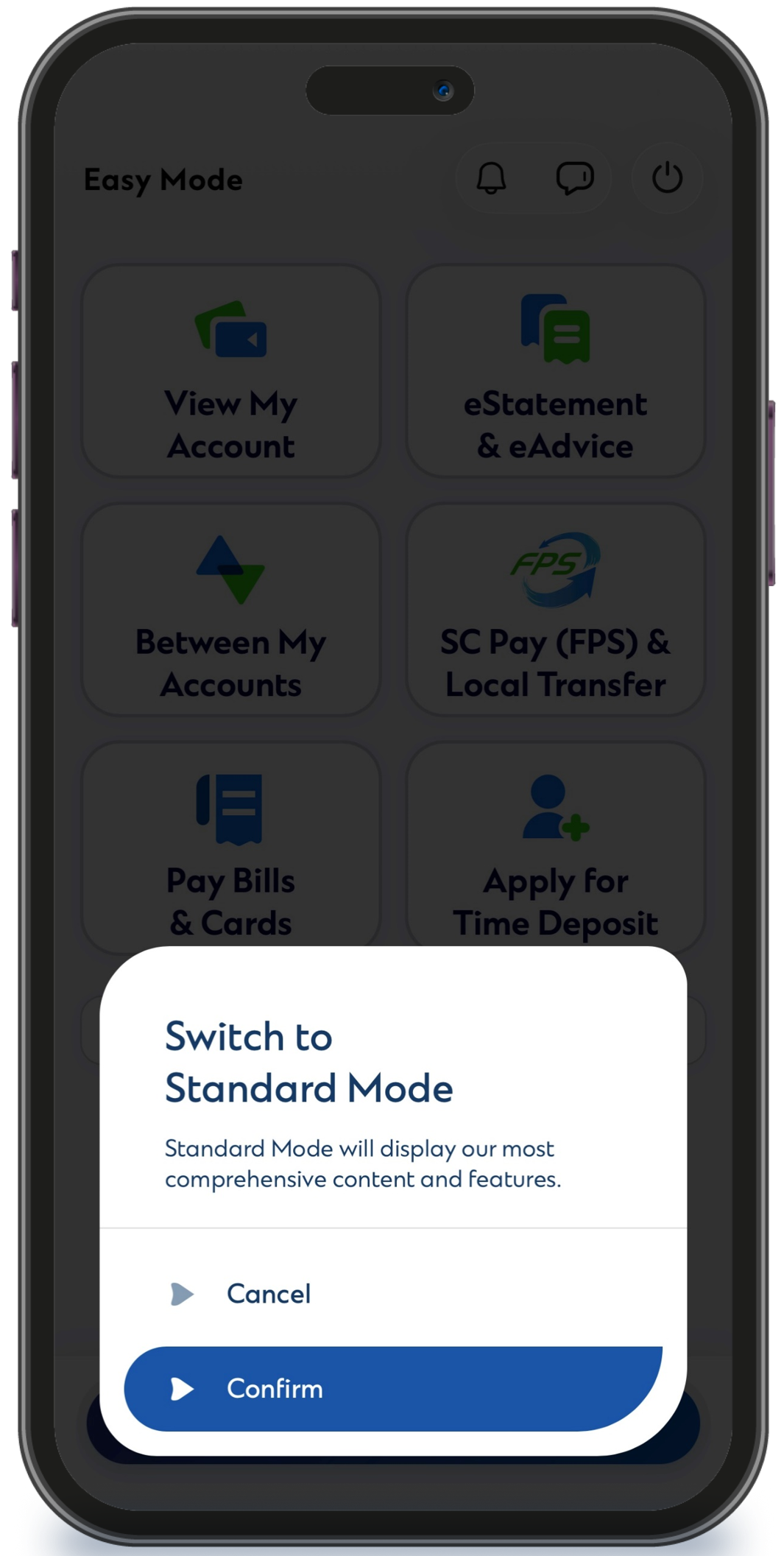
| Switch Back to Standard Mode Anytime | ||
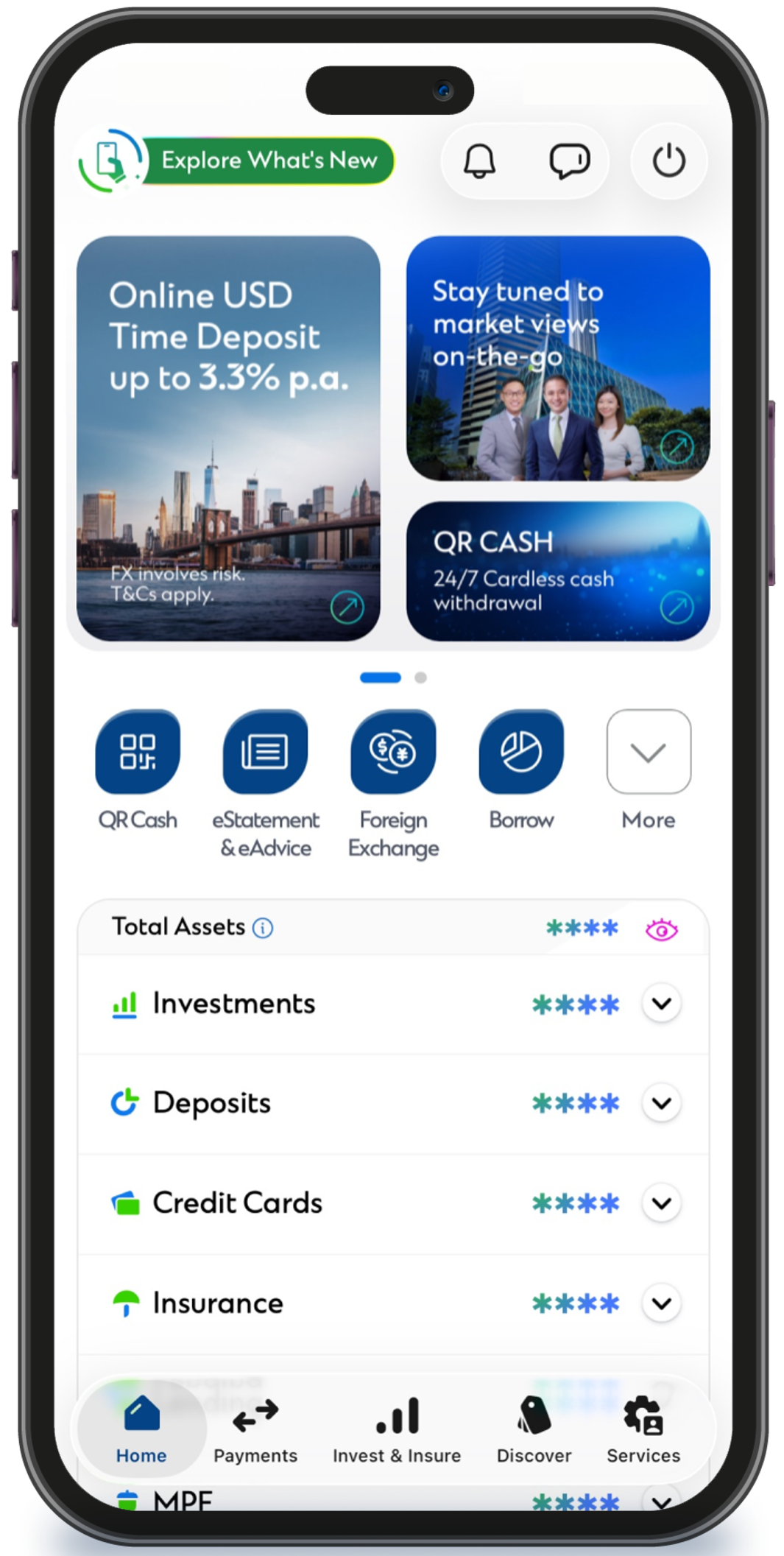
1. On the Easy Mode home screen, select “Switch Back to Standard Mode”. | 2. Tap “Confirm”. | 3. You have successfully switched back to Standard Mode. |
|
|
|
FAQs
SC Mobile Easy Mode is a simplified interface within SC Mobile that consolidates commonly used account information and banking features in a clearer and more streamlined layout. It helps you access account information and perform everyday banking transactions more conveniently.
No. SC Mobile Easy Mode is built into SC Mobile. You do not need to download or install another application. You can switch between Easy Mode and Standard Mode at any time based on your preferences. Learn more
Log in to SC Mobile, go to Services, and select Easy Mode under “Settings and Configuration”. Confirm your selection to switch to Easy Mode.
Yes. Simply select “Switch Back to Standard Mode" on the Easy Mode homepage, and the app will revert to the Standard Mode interface instantly. Learn more
SC Mobile Easy Mode provides access to a range of commonly used banking services, including: Viewing account balances, Viewing eStatements and eAdvices, Viewing account transfer history, FPS transfers, Bill payments and credit card payments, Time deposit placement, Push notifications, Chat and Support. The features displayed may vary depending on the products and services you hold.
If you would like to use services that are not available in SC Mobile Easy Mode, simply select “Switch Back to Standard Mode" on the Easy Mode homepage. The app will instantly switch to Standard Mode, where a fuller range of banking and wealth management services is available.
If you reinstall or reactivate the SC Mobile on a new device, you will need to switch to Easy Mode again.
No. Once you have successfully switched to SC Mobile Easy Mode, your preference will be saved. The next time you log in to the SC Mobile, Easy Mode will be displayed automatically.

For Android users without Google Play, please click here to download the Android application package (APK)