
 Straight2Bank

Want to send money via SC Pay?
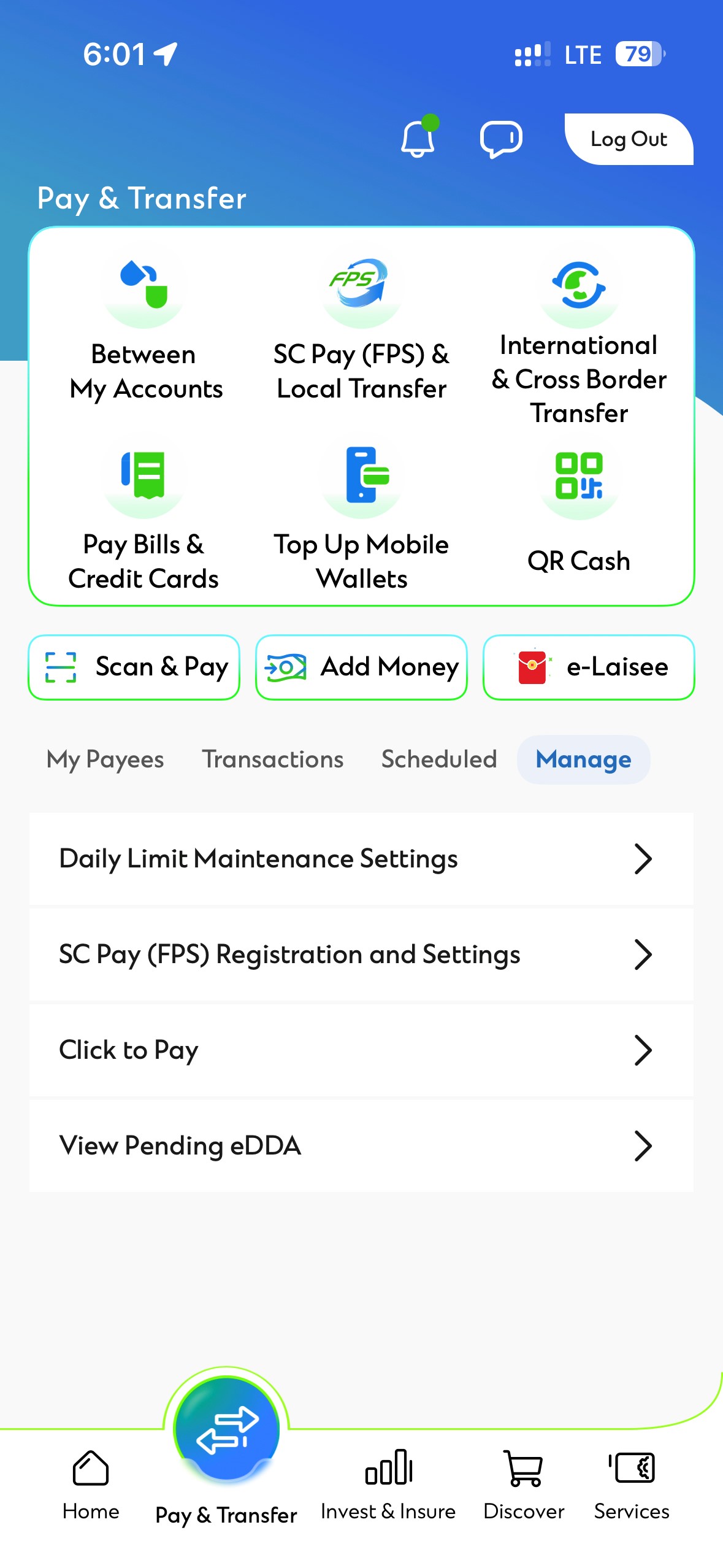
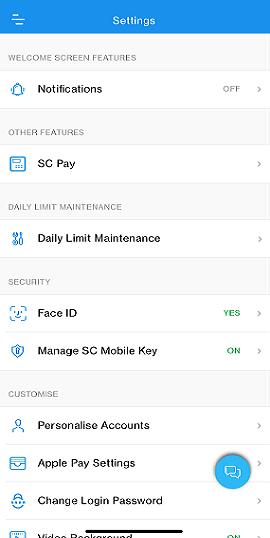
You can send money via SC Pay by registering your mobile number or email address in SC Mobile App Settings. Click HERE for more information.
Eligibility
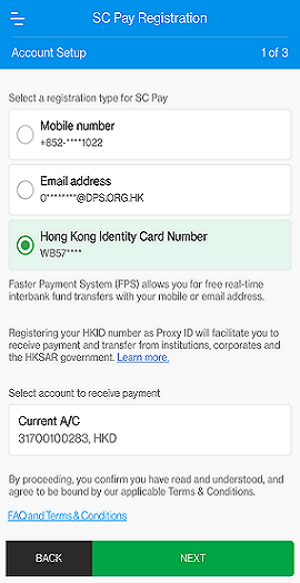
You have to hold a valid Hong Kong Permanent Identity Card and opened an account with us using this HKID number. For the account to receive payment, it has to be a local Hong Kong dollar savings or current account in the sole name of the registrant.
Don’t have Digital Banking account? Activate now

Option 1: Activate via website
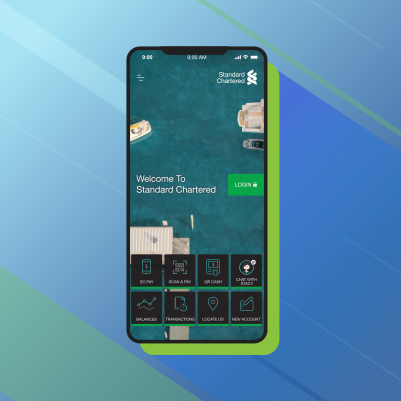
Option 2: Activate via SC Mobile App


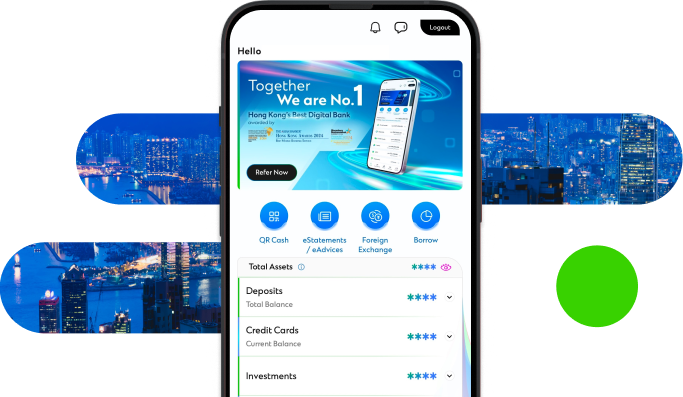
Manage your finances on the go
Experience SC Mobile App now

Scan QR code to download SC Mobile App now
for Android users without Google Play, please click here to download the Android application package (APK)



FAQs
Registering your HKID number as Proxy ID will facilitate you to receive payment and transfer from designated institutions, corporates and the HKSAR government in the future.
You may refer to the announcements made by designated institutions, corporates and the HKSAR government from time to time.
HKID number proxy is only applicable for receiving payment and transfer from designated institutions, corporates and the HKSAR government. If you would like to send money, you can register your mobile number or email address as proxy in SC Pay.
The registered HKID number as proxy does not support receiving money other than designated institutions, corporates and the HKSAR government. If you would like to enjoy the convenience of receiving money from friends, you can register your mobile number or email address as “default receiving proxy” in SC Pay to receive money with your SCB bank account.
You have to hold a valid Hong Kong Permanent Identity Card and opened an account with us using this HKID number. For the account to receive payment, it has to be a sole name local HKD savings or current account. If you have opened your account with your passport, please go to any of our branches to update your record with us.
We can only handle registrations from sole-name local HKD account opened you’re your HKID number. If you would like to register, you can open a sole-name account via our Online Banking or at our branches.
Yes, you are always welcome to register your HKID number with us. Since each HKID number could only be linked with one bank at a time, your registration with another bank will be overwritten accordingly.
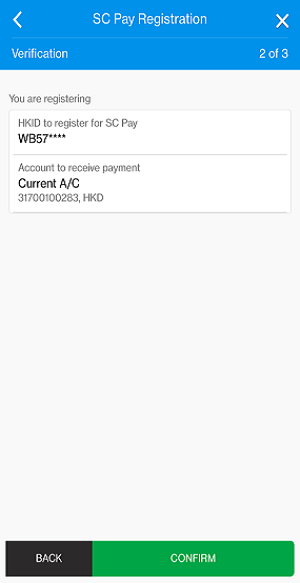
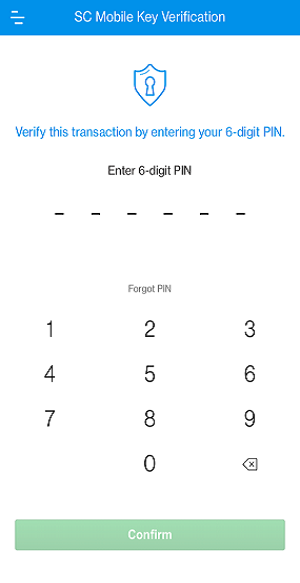
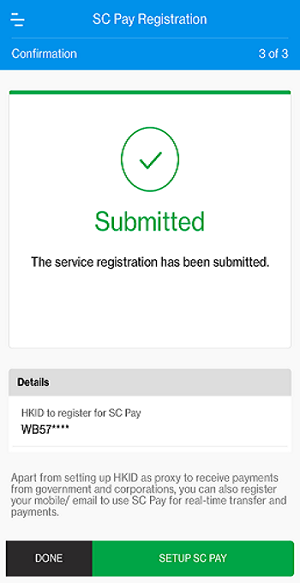
You will receive an acknowledgement through SMS or email upon successful registration. You can also log in to SC Mobile App and go to Settings -> SC Pay and check if you have already registered your HKID number with us.
You can always use our SC Mobile App and go to Settings -> SC Pay to amend or delete the HKID number registration.
You can login to your account via our SC Mobile App or Online Banking to check the transaction details. You will also see this payment in your eStatement.
No, you will not need to re-register your HKID number again. Your HKID number proxy registration will be effective upon first registration. Please note that you can only register your HKID number as proxy with one bank only – which means your existing registration at SCB will be overwritten if you register your HKID number with another bank.