
Enjoy Effortless, Secure Banking
The new SC mobile Key adds advanced multi-layered protection to your login, keeping your banking experience seamless and safe.
The new SC mobile Key adds advanced multi-layered protection to your login, keeping your banking experience seamless and safe.
This is an advanced authentication solution making your login in Online Banking and Mobile Banking app more secure and convenient.
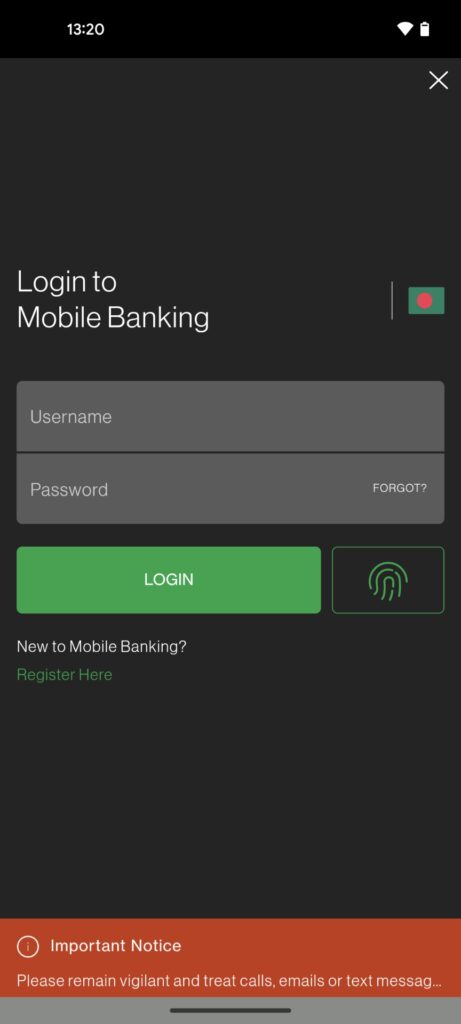
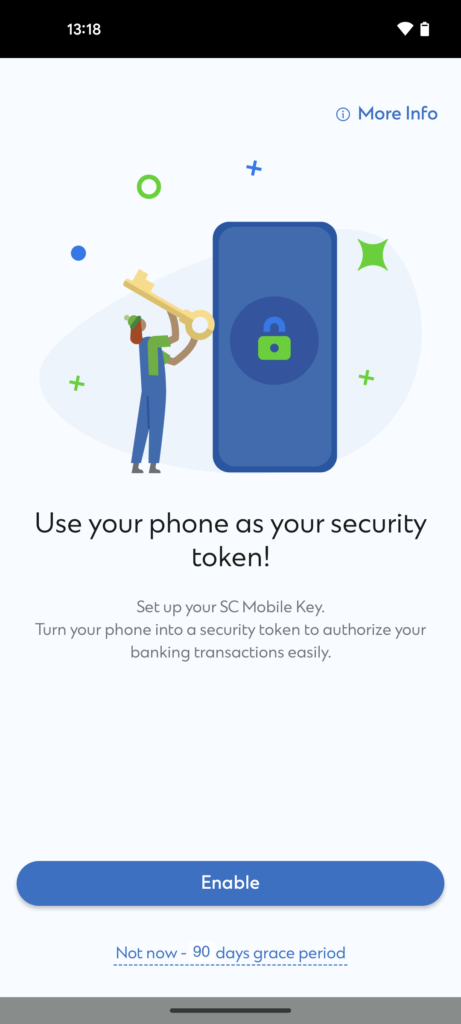
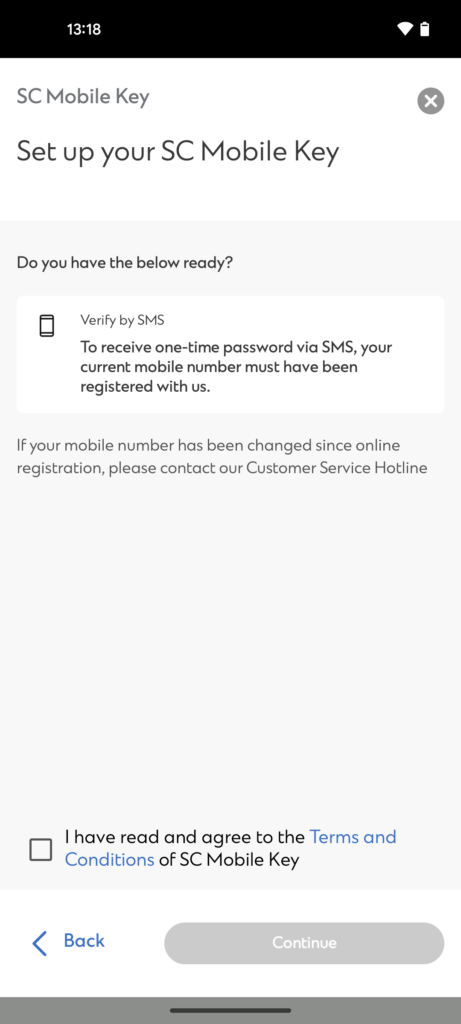
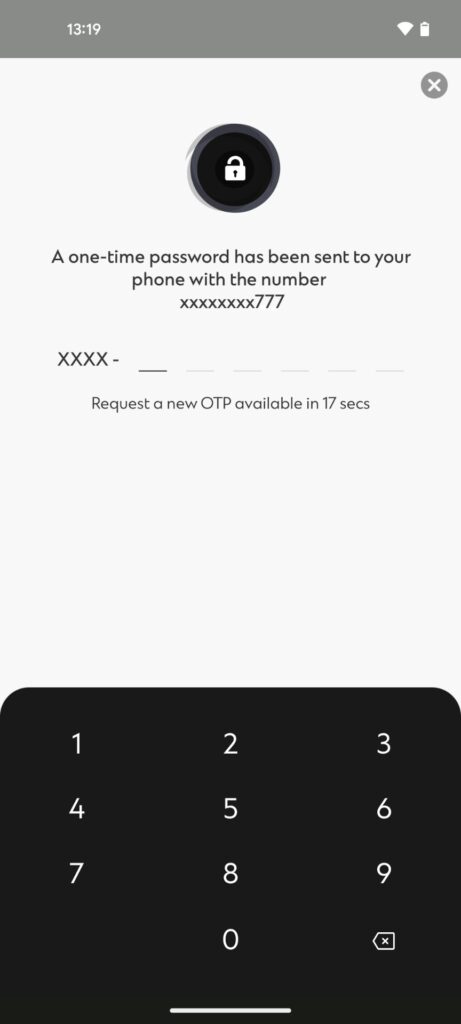
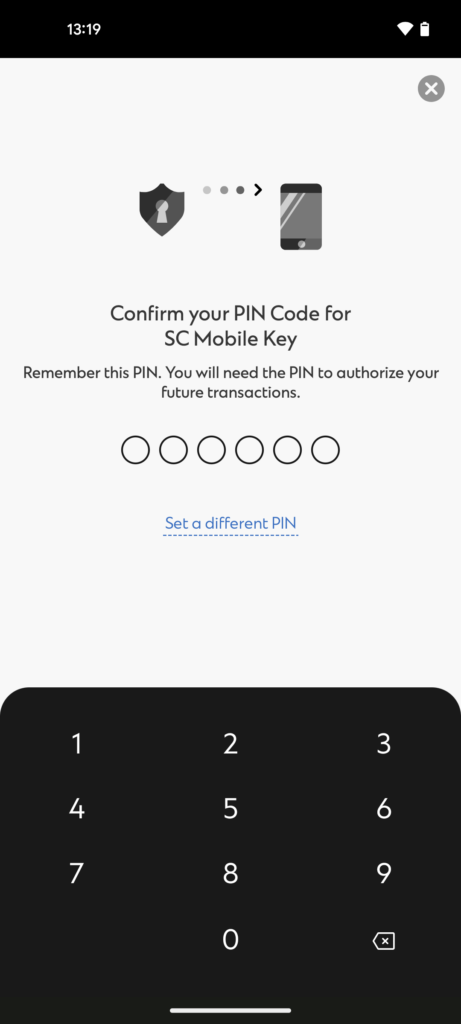
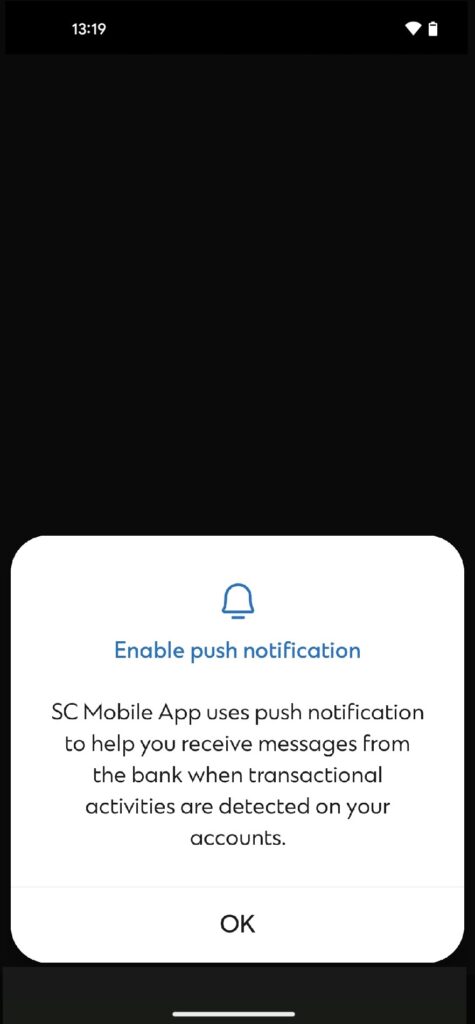
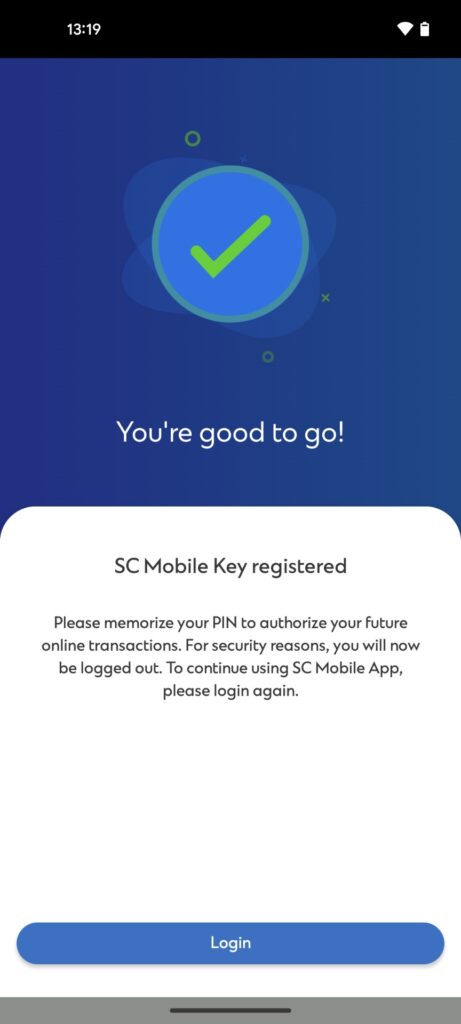
The SC Mobile Key is designed to provide the highest level of security for your account. Utilizing advanced encryption and multi-factor authentication, this feature ensures that only you can access your account. By leveraging these technologies, we significantly reduce the risk of unauthorized access to your account, offering you a safer and more reliable authentication process.
You can continue to use your existing credentials, biometric login, or Face ID without any worry. SC Mobile Key binds to the SC Mobile app of your mobile phone. You will be prompted with a notification instantly for any online or mobile banking login.
SC Mobile Key feature not only enhances security but also offers a faster and more seamless login experience. Our innovative login feature with SC Mobile Key simplifies your login experience. If you use Online Banking on your desktop, you will only need your Standard Chartered Mobile app to authenticate your login from your registered mobile device.
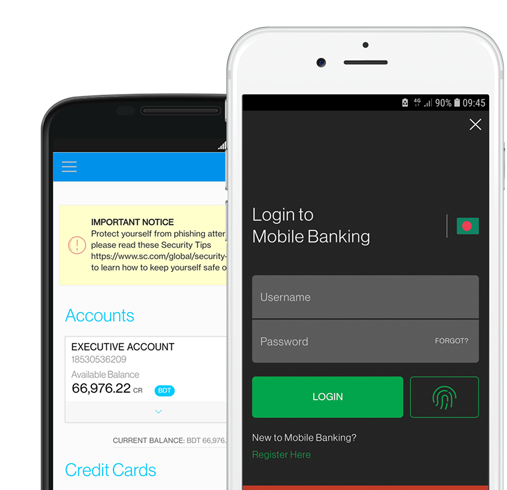
Download app now
SC Mobile Key is an enhancement to your SC Mobile App that enables you to authenticate your online and mobile banking logins.
You will be able to change your SC Mobile Key PIN by going into “Settings” in the side menu after login SC Mobile App. Then, select “Manage SC Mobile Key” => “Change PIN for SC Mobile Key”.
In case you forget your SC Mobile Key anytime, don’t worry. You can easily regenerate your key by going into “Settings” in the side menu after login SC Mobile App. Then select “Manage SC Mobile Key” => “Change PIN” -> “Forgot PIN”.
Please download the Standard Chartered Mobile app on your new device and re-register for the Standard Chartered Mobile Key. This will immediately disable the Standard Chartered Mobile Key from the previous device that you have lost. For immediate assistance, please call our client center.
You can authenticate the web login by generating an offline PIN on SC Mobile. For this, go to the online banking site, enter your username and password => Authentication page loaded on web => Click on “Generate offline PIN” option on the bottom of the screen => Open SC Mobile App pre login screen => Click on top left menu => Select “Generate offline PIN for login” => “Enter the generated PIN on your webpage.