SC Mobile Key

This is an advanced authentication solution making your login in Online Banking and Mobile Banking app more secure and convenient.
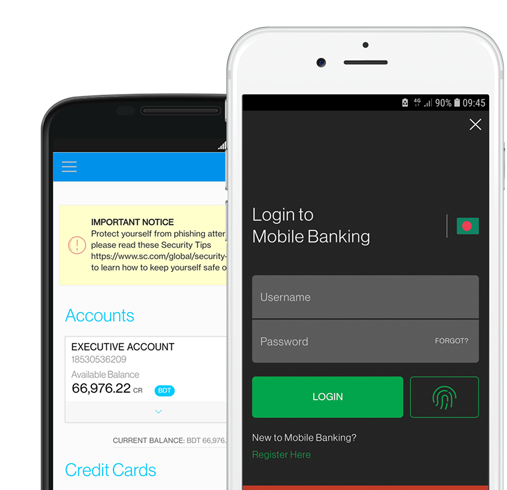
SC Mobile App

SC Mobile Bangladesh App

Download app now

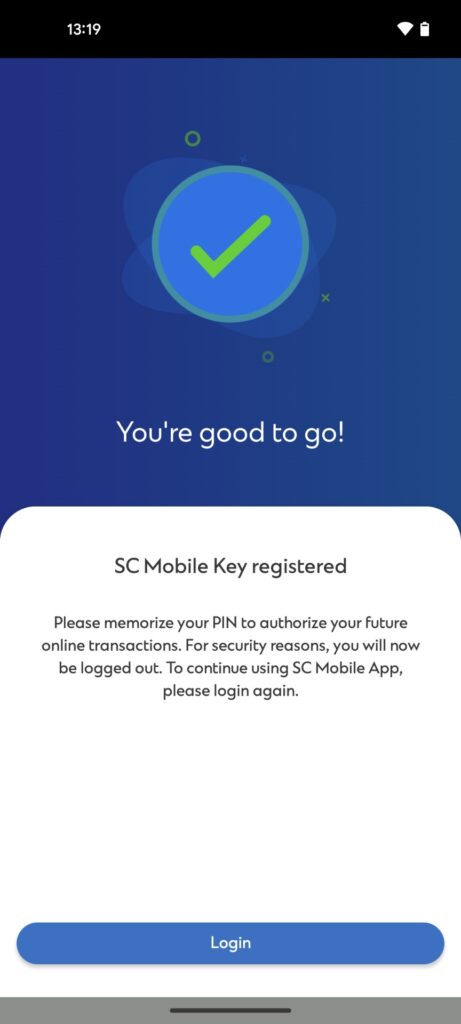
SC Mobile Key is an enhancement to your SC Mobile App that enables you to authenticate your online and mobile banking logins.

You will be able to change your SC Mobile Key PIN by going into “Settings” in the side menu after login SC Mobile App. Then, select “Manage SC Mobile Key” => “Change PIN for SC Mobile Key”.

In case you forget your SC Mobile Key anytime, don’t worry. You can easily regenerate your key by going into “Settings” in the side menu after login SC Mobile App. Then select “Manage SC Mobile Key” => “Change PIN” -> “Forgot PIN”.

Please download the Standard Chartered Mobile app on your new device and re-register for the Standard Chartered Mobile Key. This will immediately disable the Standard Chartered Mobile Key from the previous device that you have lost. For immediate assistance, please call our client center.

You can authenticate the web login by generating an offline PIN on SC Mobile. For this, go to the online banking site, enter your username and password => Authentication page loaded on web => Click on “Generate offline PIN” option on the bottom of the screen => Open SC Mobile App pre login screen => Click on top left menu => Select “Generate offline PIN for login” => “Enter the generated PIN on your webpage.

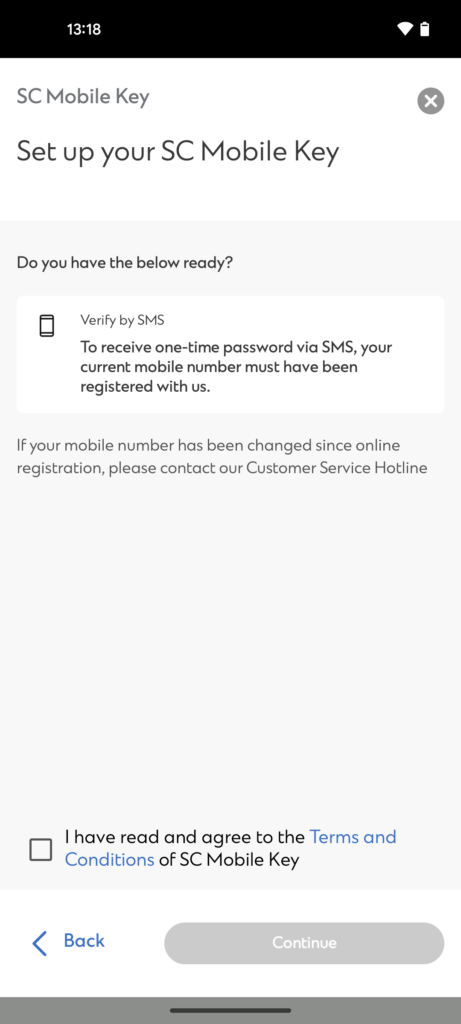
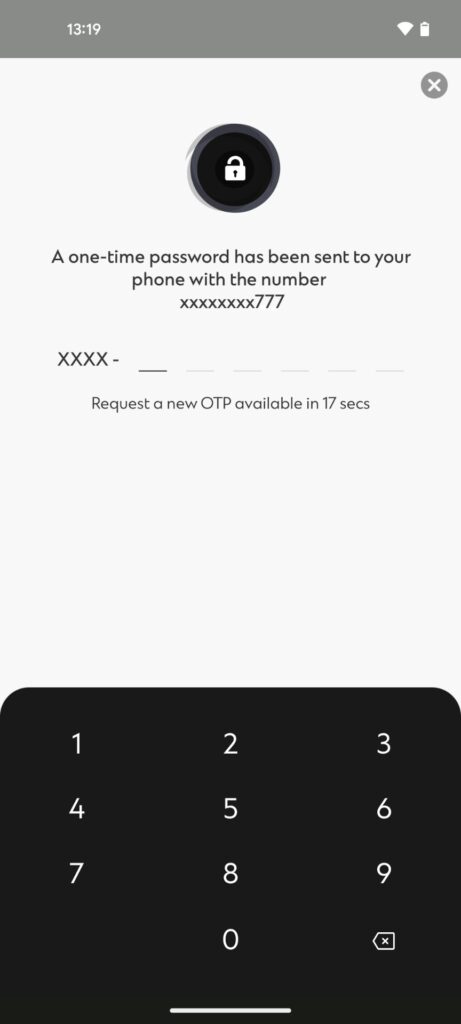
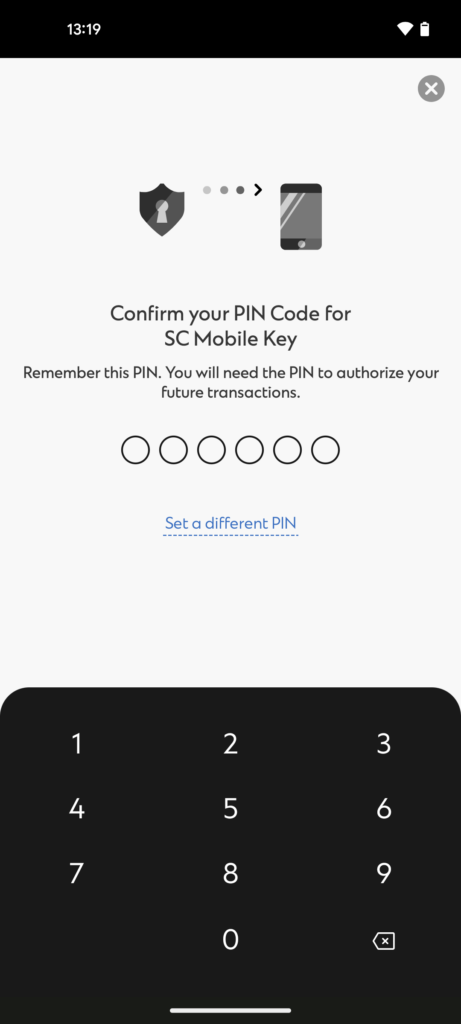
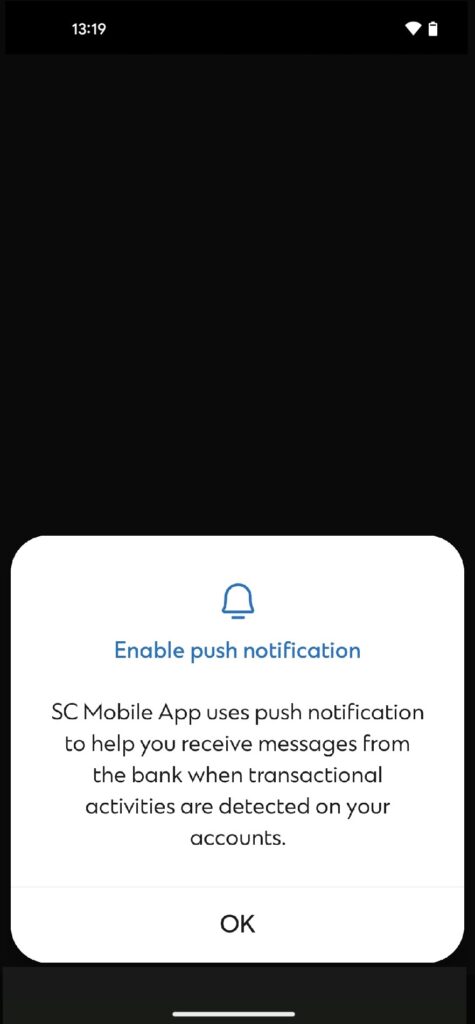
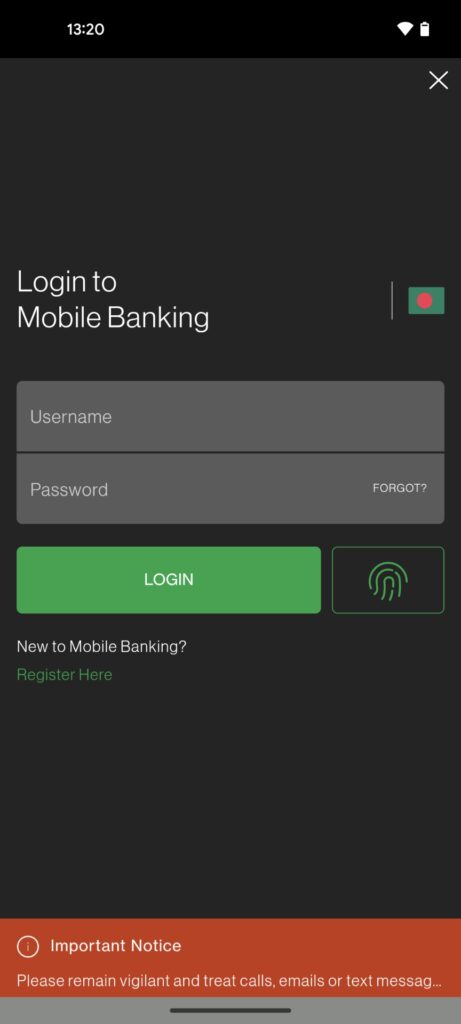
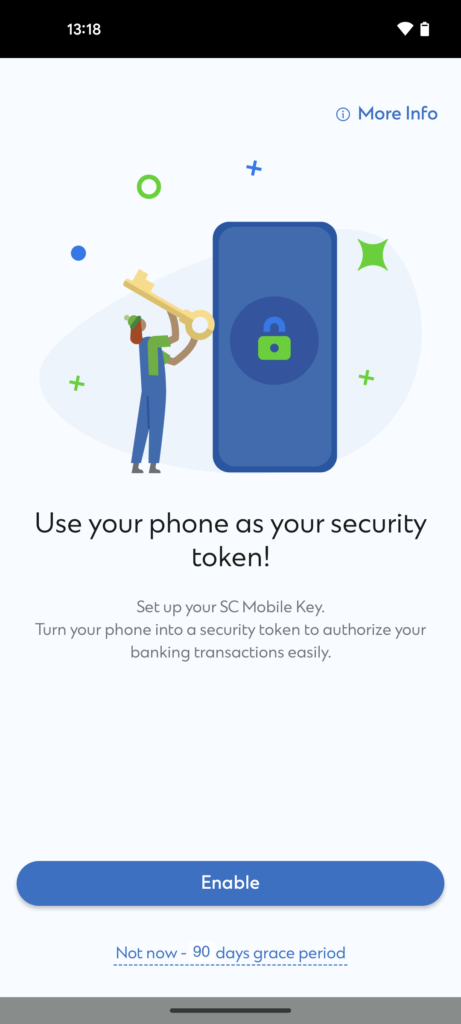
Download the latest SC Mobile App from your respective app stores. Login with your online banking username and password or Touch Login / Face Login, and you will be prompted to register for the SC Mobile Key. Please follow the steps to complete the registration.

The SC Mobile Key provides an additional layer of security when you login to your mobile or online banking platform. In the near future you will also be able to use your SC Mobile Key to perform transactions such as add payee, update personal information, limit maintenance, pin change, etc without any OTP hassle.

  • Yes, you will be required to register for the Standard Chartered Mobile Key when you upgrade or download the new SC Mobile App. The SC Mobile Key will be required for your online or mobile banking activities that require login authentication.
  • ​Note: We will never send you an email asking you to complete your SC Mobile Key registration via a link. We will also never send you an email that your account is on temporary hold until you register for SC Mobile Key.

Yes, you will receive both SMS and email alerts after registration.

For your security, you are only allowed to set up Standard Chartered Mobile Key on one mobile device. When you register for Standard Chartered Mobile Key on a new mobile device, this will automatically disable Standard Chartered Mobile Key on the previous device.

This shows that the device already has a soft token registered on it, which may or may not be registered by you. You just need to un-install and re-install the SC Mobile application before proceeding to register for SC Mobile key.

Registering for the SC mobile key will ensure the security of your login for online and mobile banking. In order to continue using your SC Mobile App without any hassle, it is mandatory to complete your SC Mobile Key registration.

Standard Chartered Mobile Key can still work even when you do not have data or mobile network connectivity. You can generate an offline PIN to authenticate your logins and transactions on Online Banking.

While logging in/performing a transaction – when prompted to authenticate using Standard Chartered Mobile Key, on the Online Banking screen, click “Generate an Offline PIN” located at the bottom of the screen.

Open the Standard Chartered Mobile app on your device that is registered for the Standard Chartered Mobile Key. From the Welcome screen, click on the menu icon located on the top left of the screen – You do not need to log in, just select ‘Generate Offline PIN’. You are required to key in your 6-digit PIN to retrieve the offline PIN for authentication.

  • The SC Mobile Key adds an extra layer of protection to your Banking Experience.