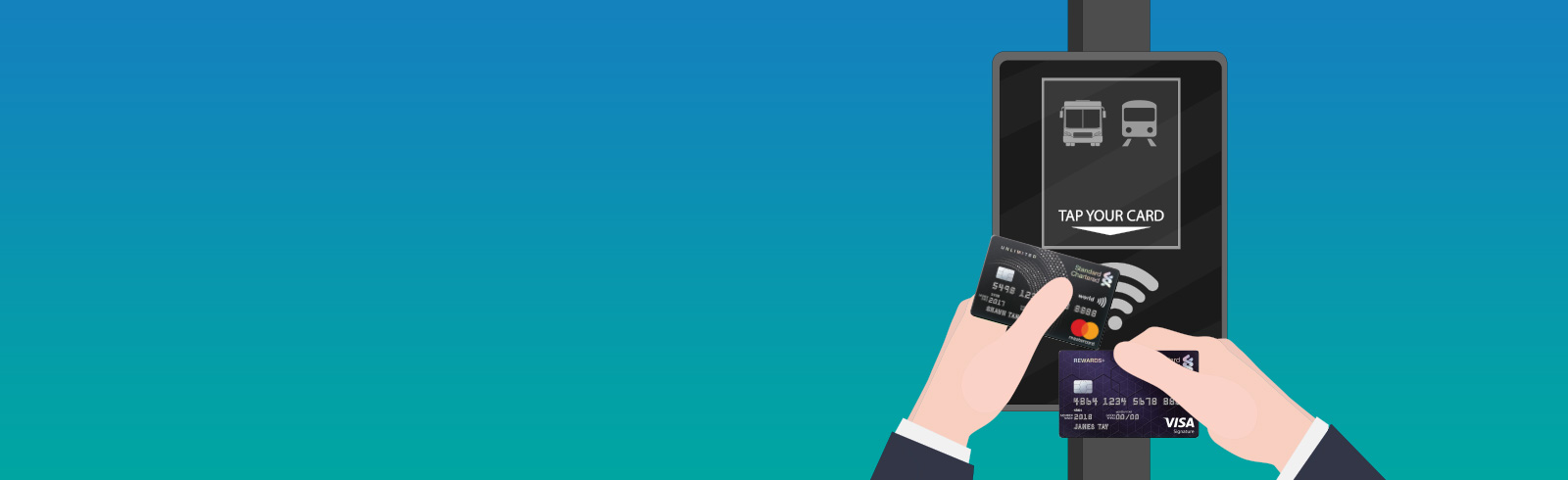
Your daily commute is now more convenient with SimplyGo!
SimplyGo allows you to use your Credit or Debit cards with contactless function for fare payments. No upfront top-ups. Just tap to pay for your bus/train rides!
Benefits
-
No need to carry a separate travel card
-
No upfront top-ups and queues at the Ticketing Service Kiosks (TSKs).
-
No transaction fee. Fares are directly deducted from your savings/current account or credit limit.


Here’s your quick guide to smoother journeys
- If your Credit/Debit card carries only the contactless symbol, good news! You can already use it to pay for bus and train rides
- If your Credit/Debit card carries both the CEPAS logo and the contactless symbol, follow the simple instructions below
- Visit the General Ticketing Machine at any MRT station
- Place your credit/debit card on the e-reader, and select "Check Transit Payment Mode". Select "OK" on the "Enable Bank Card" screen
- Select "OK" on the "Please Confirm" screen. You are ready to tap and go on buses and trains
Click here for more information on SimplyGo service
Enjoy more convenience on your smartphone
-
Add your Credit/Debit card to your mobile wallet
-
You can now tap and pay with SimplyGo with your Apple pay/Google Pay or Samsung Pay

Frequently asked questions
You just need to tap your contactless bank card at the fare reader at the train gantry or in the bus at the points of boarding and alighting. The fare reader will display “Bank Card Usage”. No registration is required to utilise this service
SimplyGo is currently not available to supplementary cardholders at the moment till further notice.
SimplyGo transactions are considered as retail purchase transaction and will be eligible for cashback/reward points.
For clarity, SimplyGo transactions are not considered under the excluded Ez-link transactions for Unlimited Card.
The transactions will be processed, accumulated and charged to your contactless bank cards with the merchant descriptor name “BUS/MRT”.
For Mastercard contactless bank cards, fare charges will be accumulated for up to 5 days or after a total of $15 is spent on transit fares, whichever is earlier.
For Visa contactless bank cards, fare charges will be accumulated daily.
To view the breakdown of the aggregated fares, please login to your SimplyGo account on the TransitLink SimplyGo Portal or TL SimplyGo mobile app.
The fare reader will display “Bank Card Usage” when you tap to enter and exit.
You will be able to view the details of each transaction in your SimplyGo account on the TransitLink SimplyGo Portal or TL SimplyGo mobile app.
You can choose to turn on push notifications on your mobile devices to receive alerts on fare charges from the mobile app each time you tap out.
Click here for full Terms and Conditions and FAQ of SimplyGo service